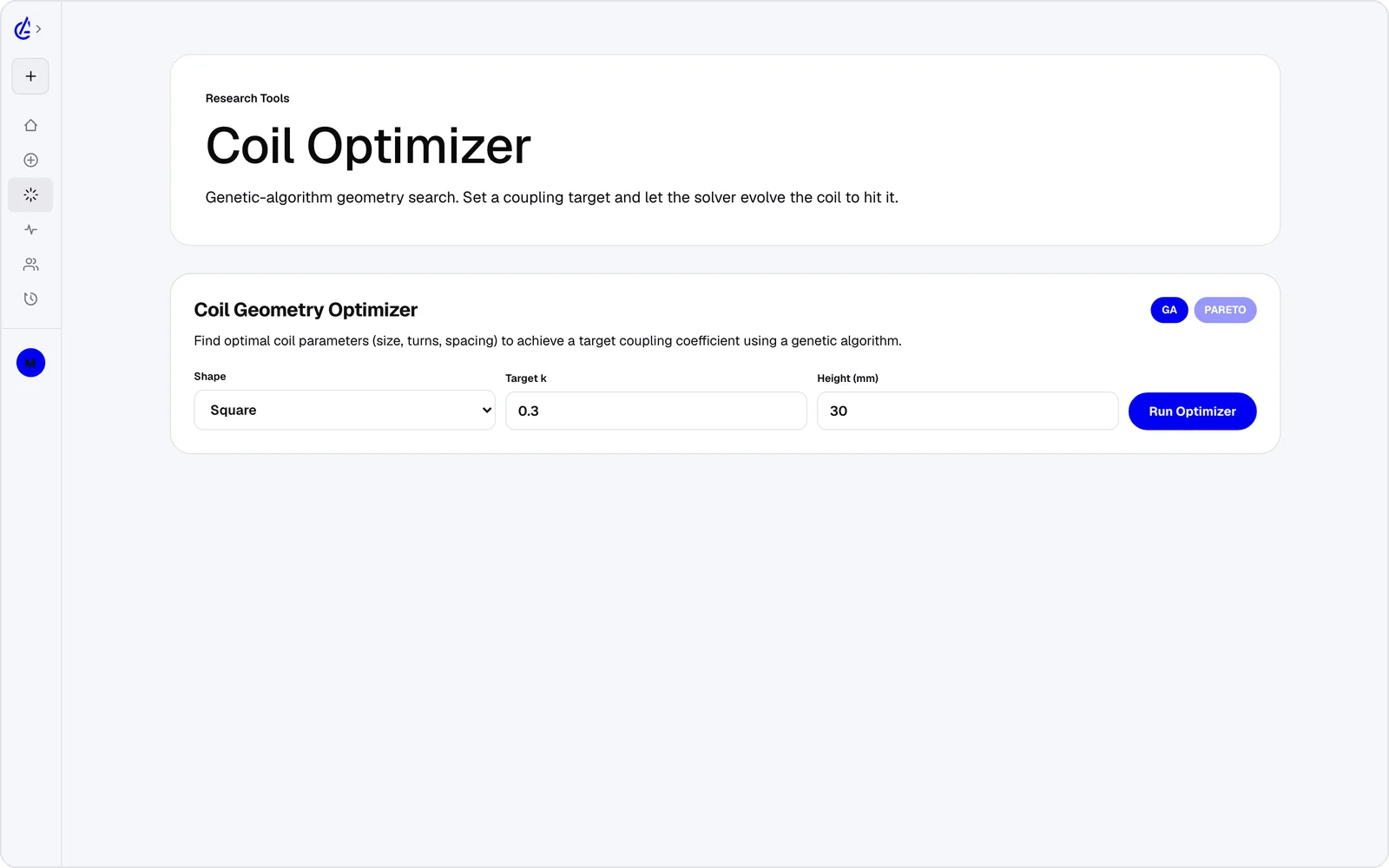
Optimizer
Set a target and let the search find the geometry that gets there.
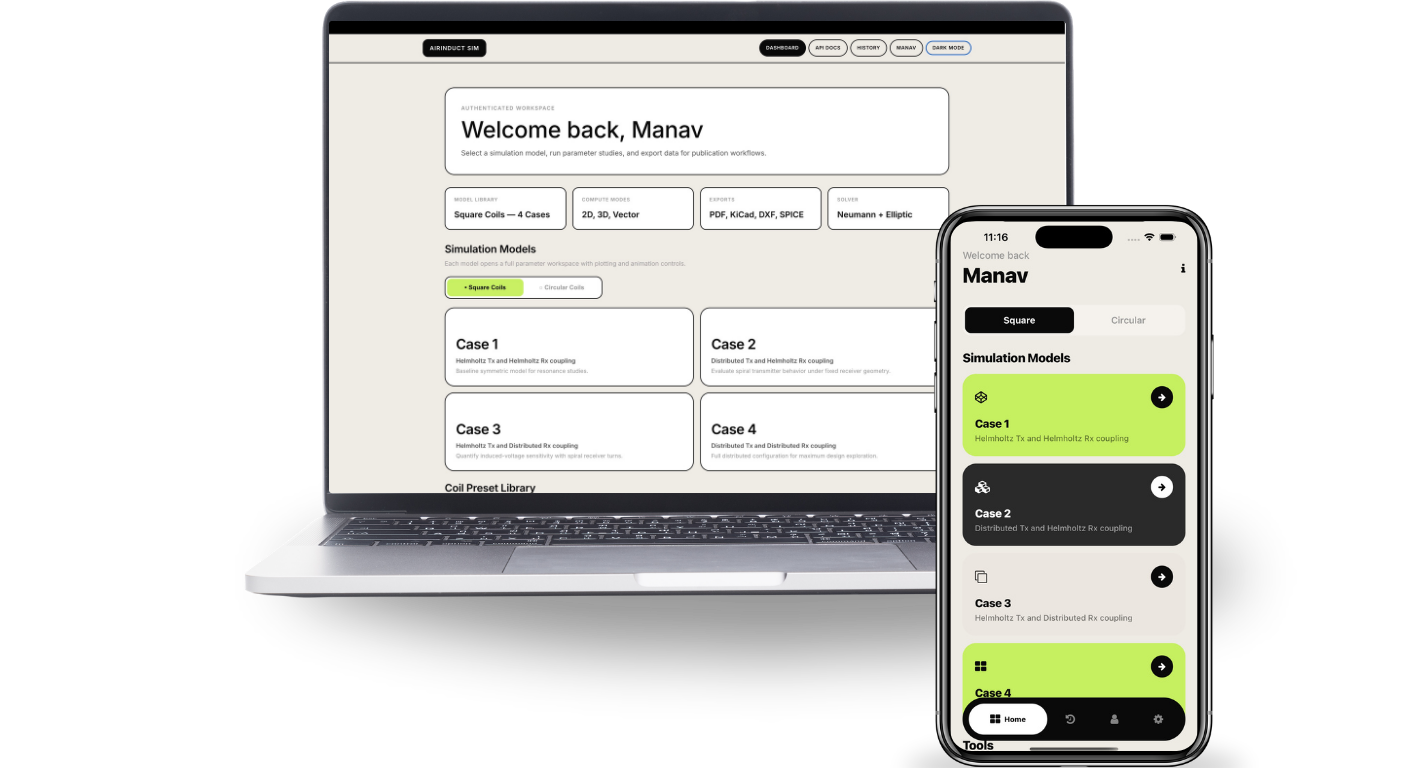
AirInduct Sim computes the magnetic field, mutual inductance and coupling of a coil pair from first principles — in your browser or on your phone, with a Copilot that can run it for you.
Square and circular, Helmholtz and distributed
Closed-form Biot–Savart, no mesh to build
3D surface, heatmap and contour
Web, iOS and Android on one solver
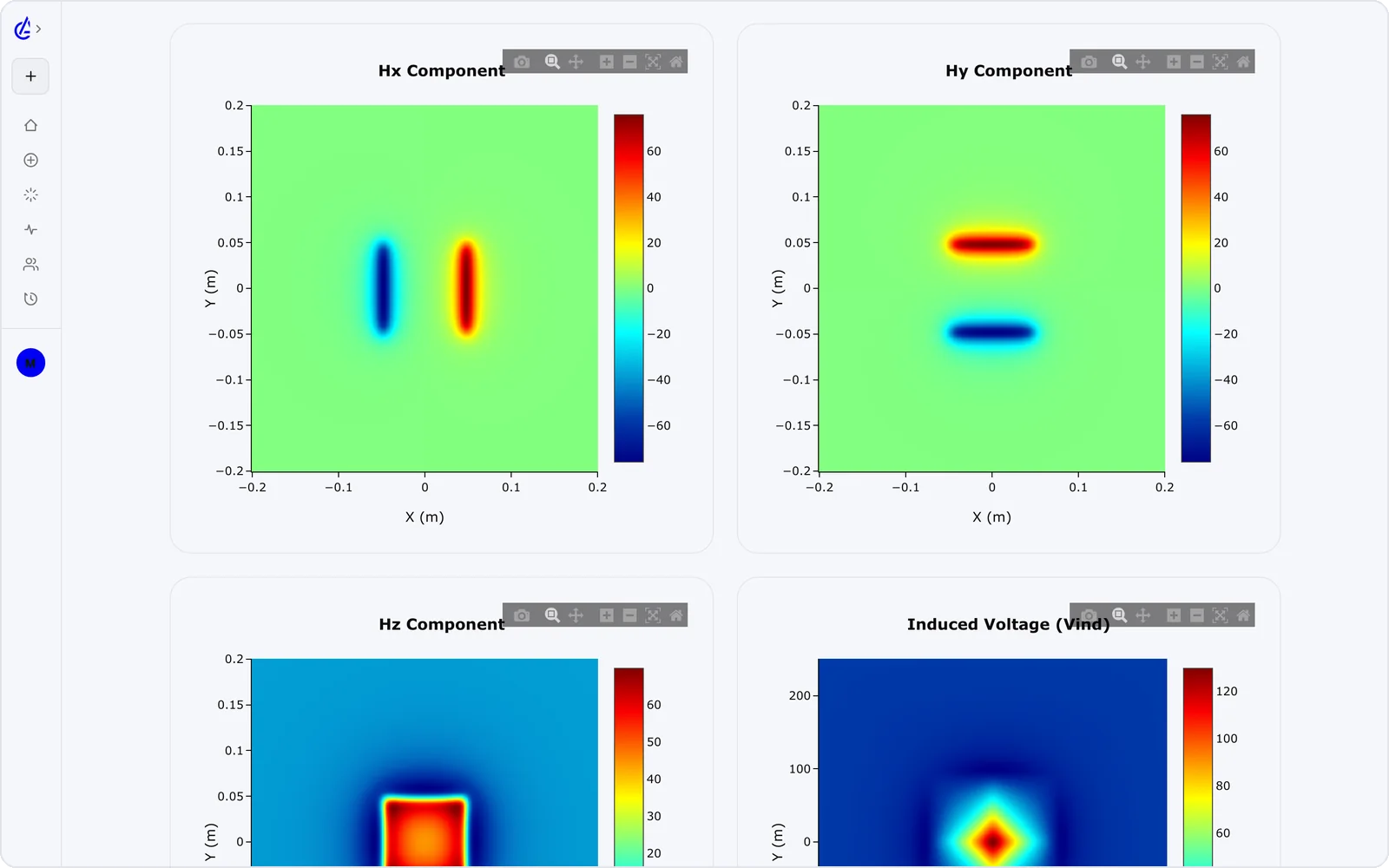
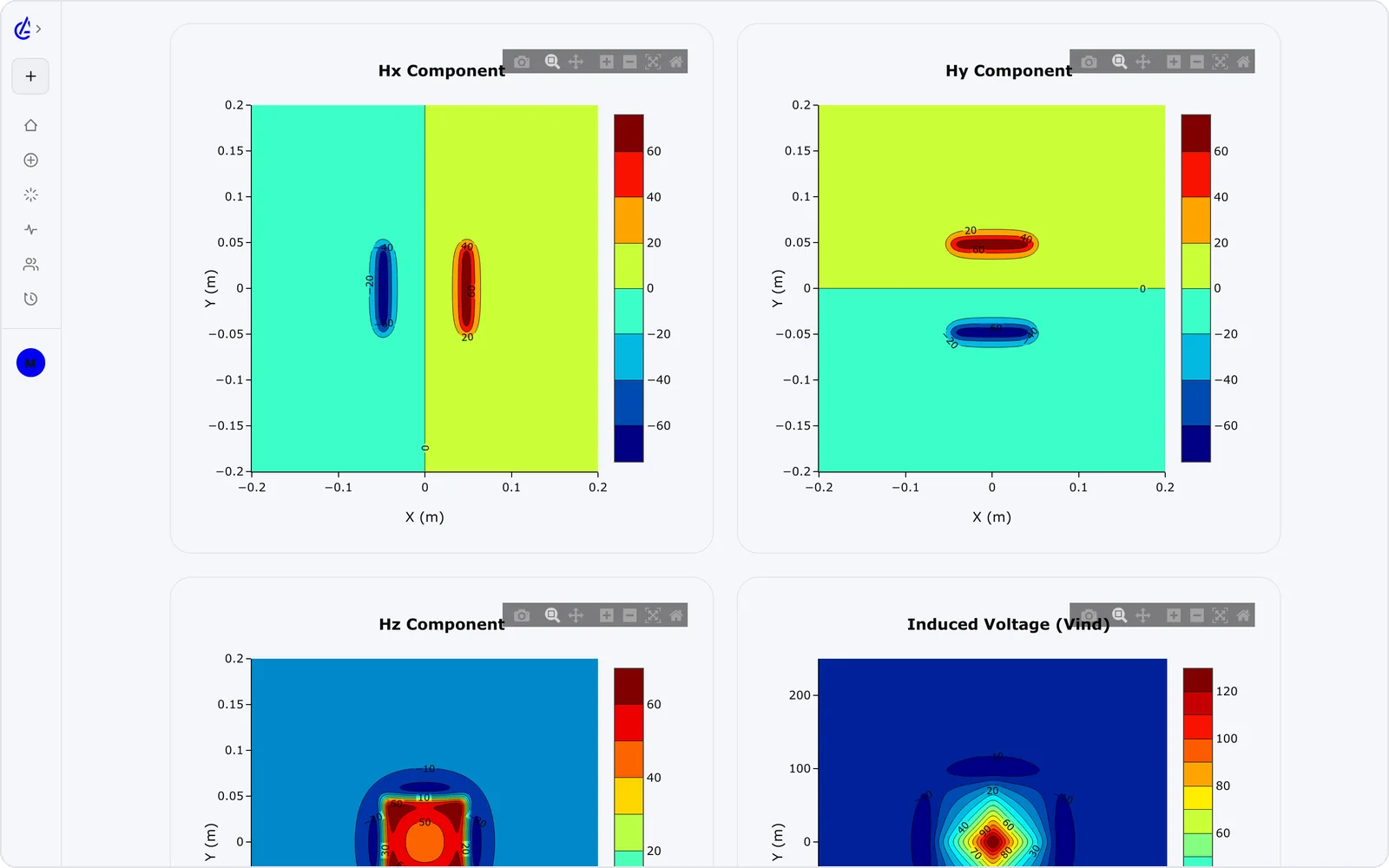
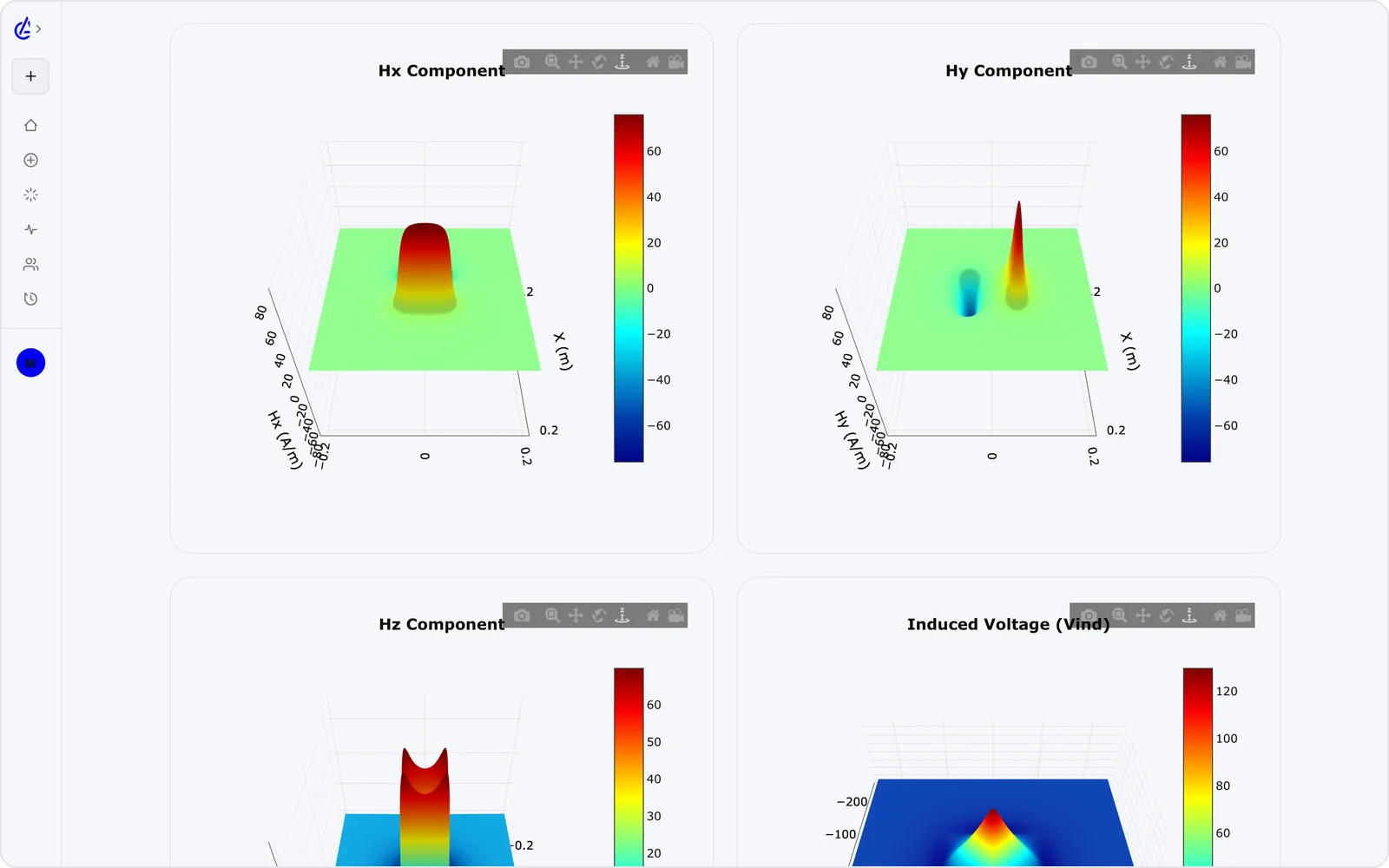
AirInduct Sim works by evaluating closed-form physics for a coil pair instead of meshing it: the magnetic field comes from the Biot–Savart law and the mutual inductance from the Neumann integral, so a run takes seconds and the same inputs always return the same outputs. You pick one of eight topologies — circular or square Helmholtz pairs, circular or square DTC (descending-turn planar spiral) pairs, or one of the four Helmholtz–DTC cross pairs — and enter turns, coil size, air gap, current and frequency. The solver returns mutual inductance M, self-inductances L_tx and L_rx, coupling coefficient k, induced voltage and peak H field, with 3D surface, heatmap and contour plots. From there you can sweep a parameter, run the optimizer toward a target, or export a PDF report, KiCad footprint, DXF outline or SPICE netlist. The AI Copilot can do the same steps on screen, running the real solver and checking every number it states against the solver output.
No meshing, no convergence settings, no licence server. Pick, set, read.
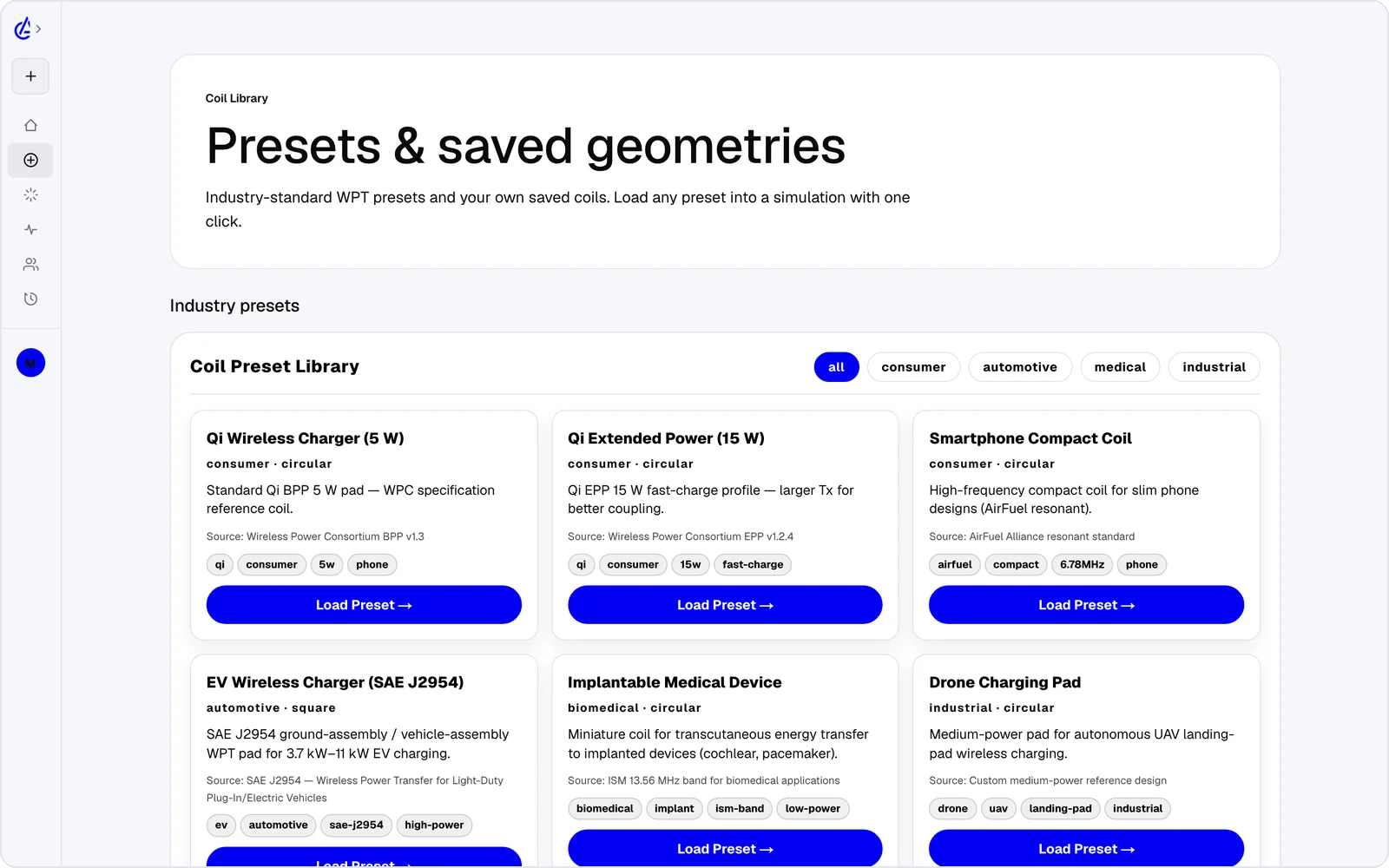
Start from the coil library — eight Tx/Rx pairings, each solved in closed form.
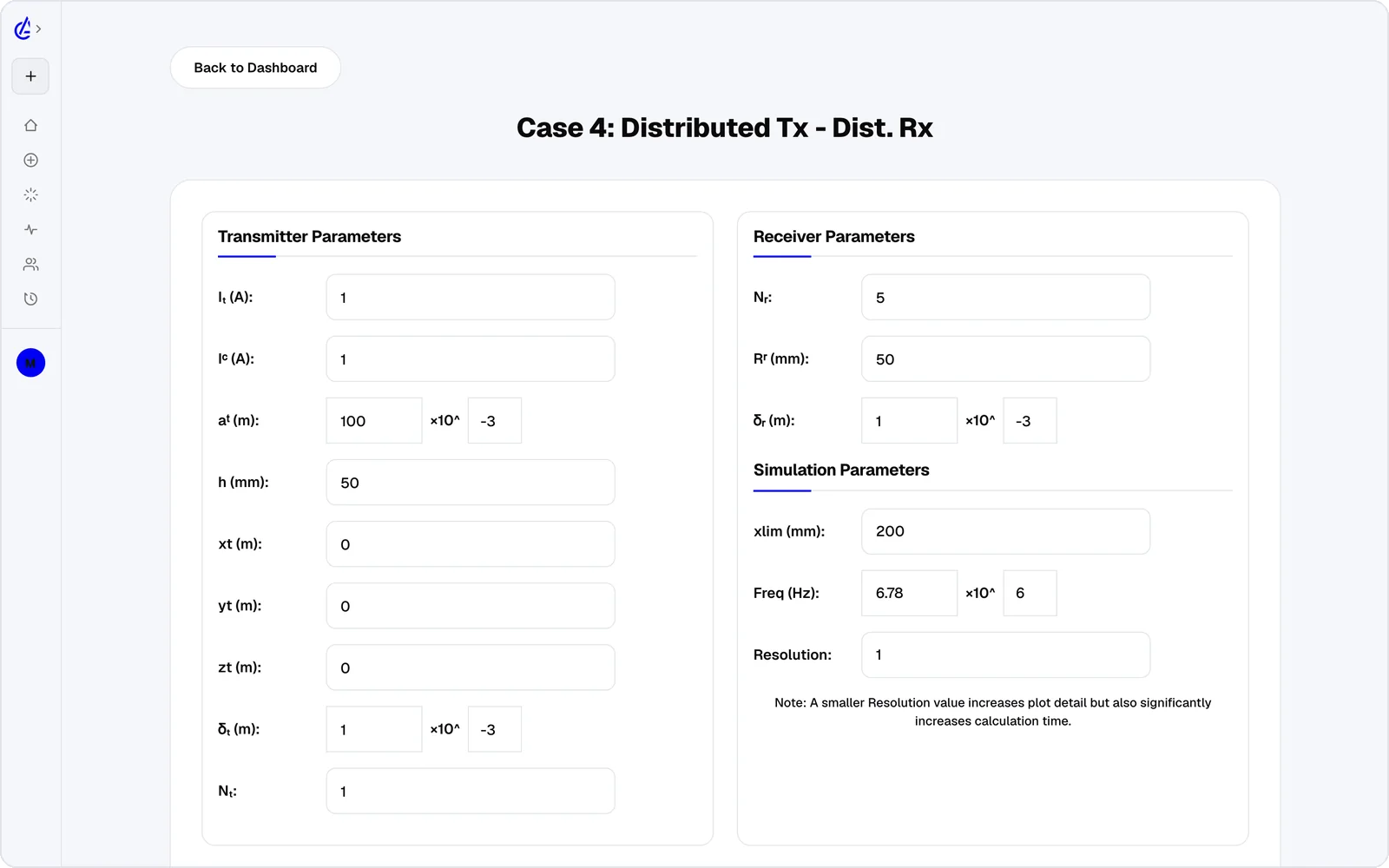
Turns, size, gap, current and frequency. Every input is a physical quantity with units.
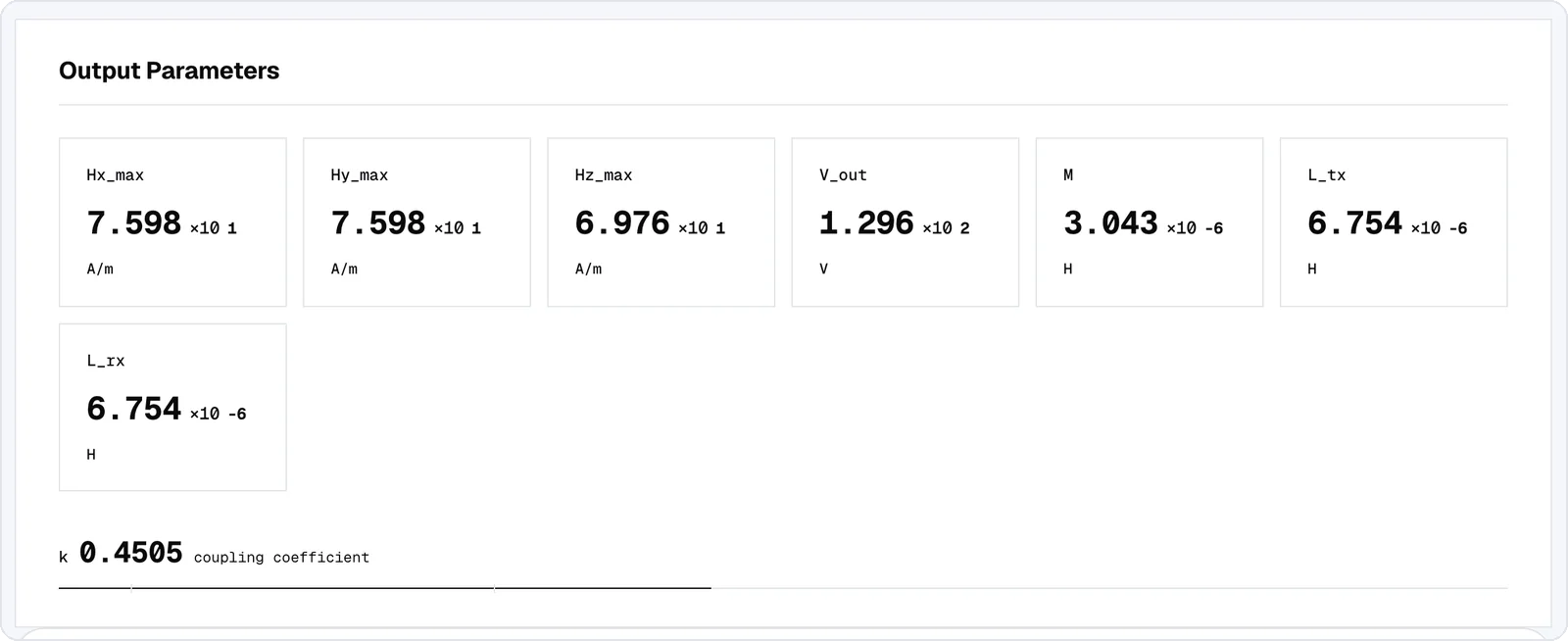
Mutual inductance, coupling k, induced voltage and peak field — with the plots behind them.
Ask in plain English. Copilot drives the app on screen — fills the form, runs the real solver, compares designs and explains the result. You watch every step and can stop it at any time.
Every run comes with its field: a 3D surface you can turn, a heatmap of the plane and contour lines of equal strength.
The tools around the solver that turn a result into a design.
Set a target and let the search find the geometry that gets there.
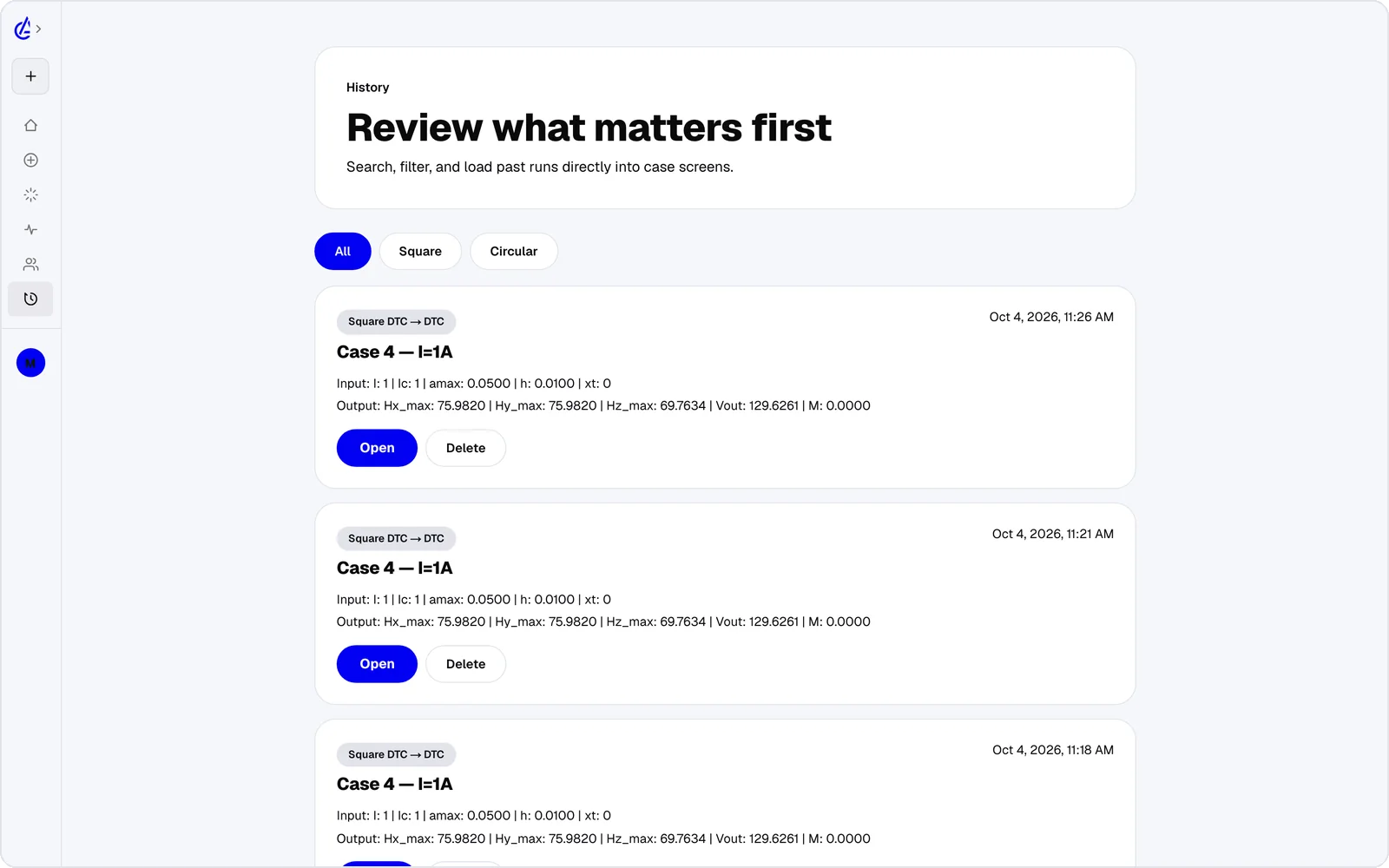
Every run is saved with its exact inputs, so any result can be reopened and compared.
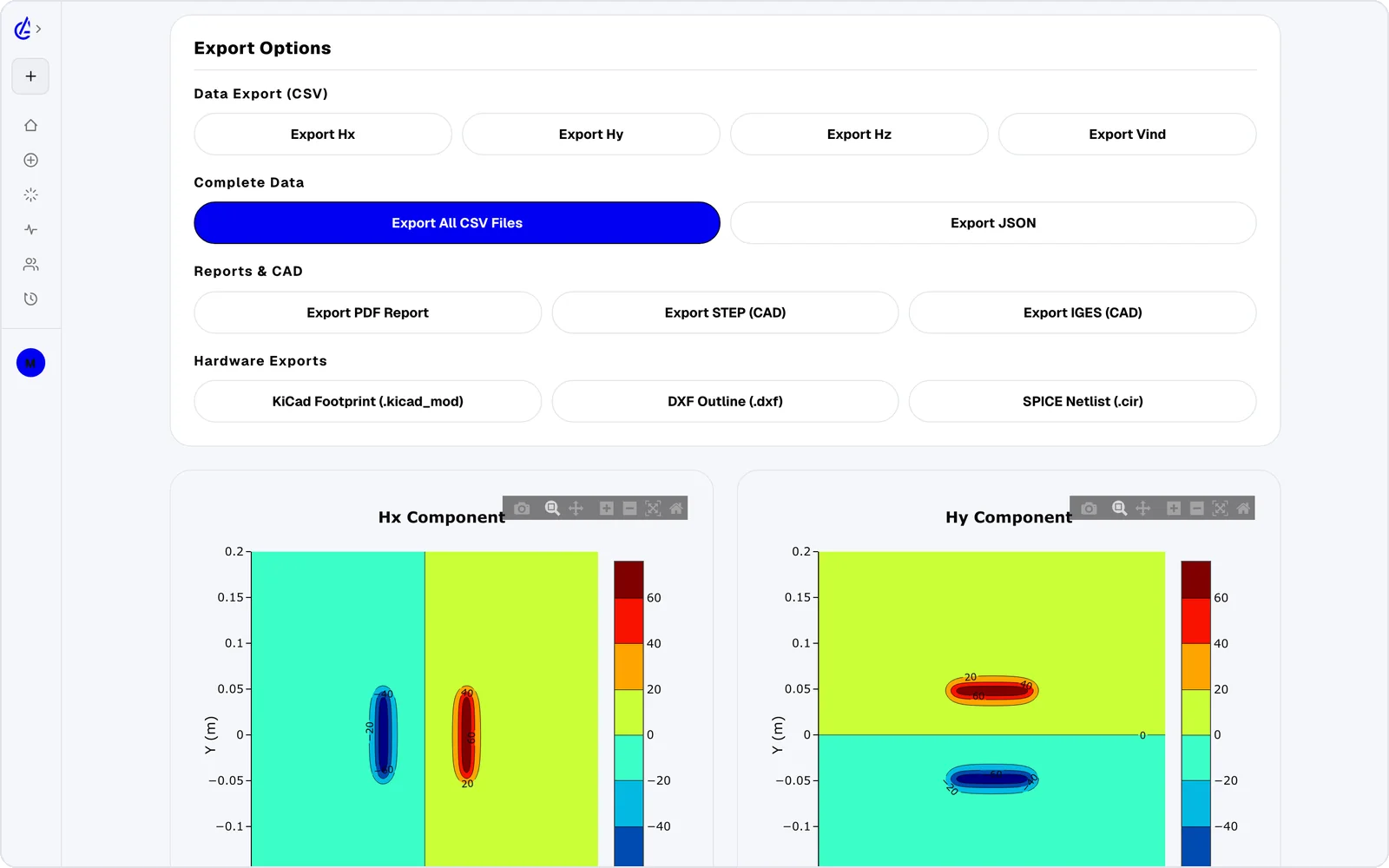
PDF reports, KiCad footprints, DXF outlines and SPICE netlists from any run.
The solver evaluates Biot–Savart for the field and the Neumann integral for inductance. Coupling follows directly — no surrogate model, no curve fit.
dB = (μ₀ / 4π) · I dl × r̂ / r²M = (μ₀ / 4π) ∮∮ dl₁ · dl₂ / rk = M / √(L_tx · L_rx)Size large pads and check coupling across ground clearance.
Learn more →MedicalSmall receivers, tight gaps, and peak field you can check.
Learn more →IoTGet the most coupling out of a compact footprint.
Learn more →ResearchSweep a parameter, plot the trend, cite the method.
Learn more →The same solver runs in the web app and natively on iOS and Android, so a design started at your desk can be checked on the lab bench.