
The Altair Flux alternative for WPT coils.
Altair Flux is a low-frequency electromagnetic FEM suite with French roots and, since 2025, a Siemens badge. AirInduct Sim covers one slice of its territory — air-core wireless power coils — and returns inductance and coupling in seconds.
Last reviewed: October 2026
What Altair Flux does well
Flux was built over three decades by CEDRAT in Grenoble, which Altair acquired in 2016. Siemens then acquired Altair in March 2025, and the product is now marketed as Simcenter Flux. It is a finite element package for low-frequency electromagnetics and thermal analysis, working in 2D, axisymmetric, skew and full 3D within one environment.
Its long-standing users design motors, transformers, actuators, sensors and induction heating systems. Flux couples the field model to an electrical circuit, handles nonlinear magnetic materials and eddy currents, and links into thermal and system simulation. Its Flux PEEC module takes a different route for busbars and power interconnects, extracting partial inductances without meshing the surrounding air.
Where AirInduct Sim is faster for WPT coils
Flux asks you to choose a dimension, build or import geometry, assign regions and materials, wire a circuit, mesh and solve. That suits an induction-heating coil around a steel billet; for two air-core coils, most steps describe empty space. AirInduct Sim computes the field with closed-form Biot–Savart and the coupling with the Neumann integral, with no mesh.
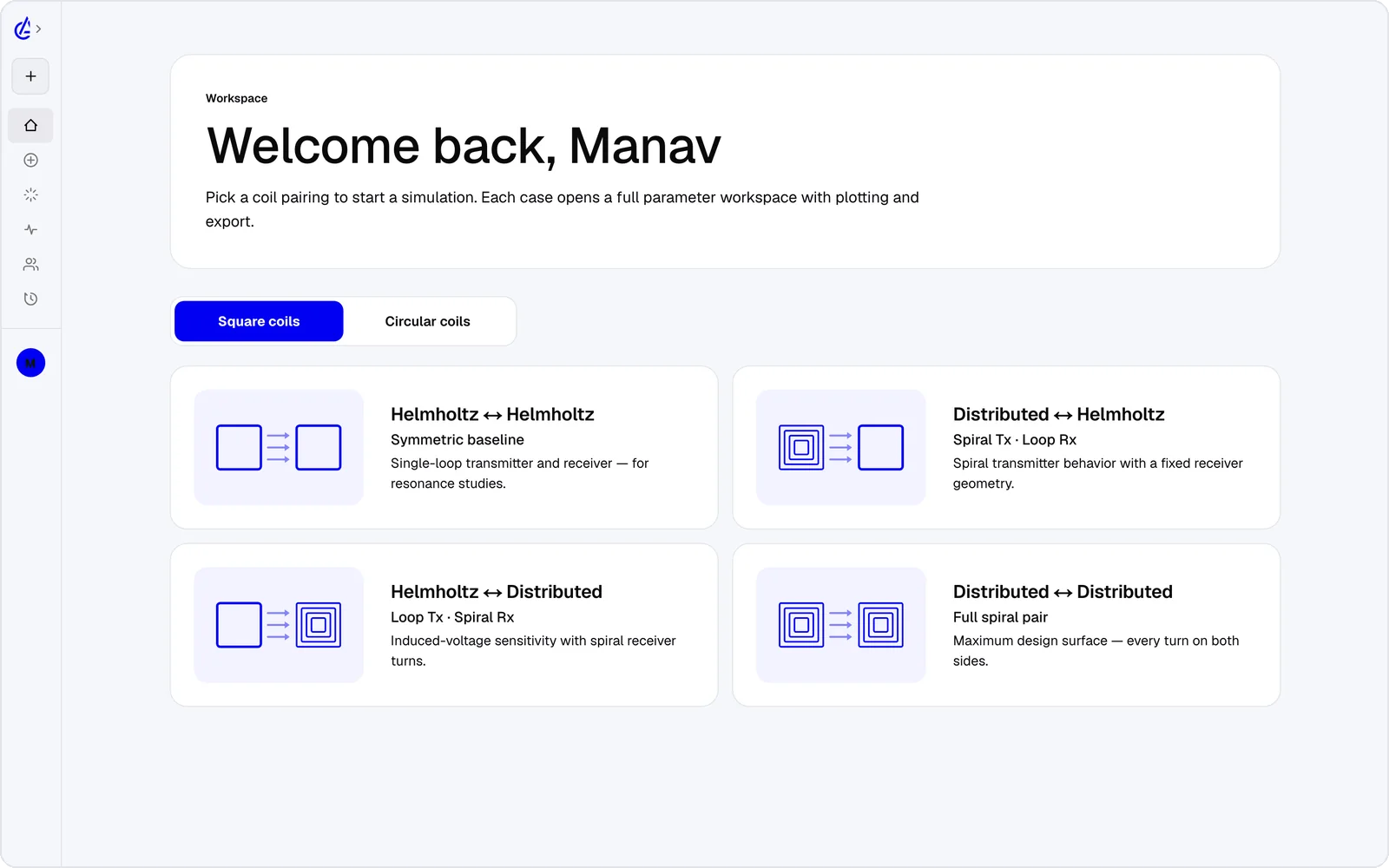
- Eight WPT presets — circular and square Helmholtz, descending-turn (DTC) planar spirals and cross pairs — ready to solve.
- Self-inductance, mutual inductance M and coupling k reported on every run, not extracted from a circuit afterwards.
- Gap and misalignment sweeps plus a genetic optimizer, with no separate tool.
- 3D field plots in a browser and on iOS and Android, with nothing to install.
- An AI Copilot that drives the app and runs the real solver, and an MCP server for agents.
It is free to start: the free plan covers the Helmholtz topology with 3 simulations a month, and AirInduct Pro unlocks every topology, the AI Copilot and unlimited runs (see pricing).
Altair Flux vs AirInduct Sim at a glance
A broad low-frequency FEM suite against a focused coil solver, on everyday WPT tasks.
| Criterion | AirInduct Sim | Altair Flux |
|---|---|---|
| Solver method | Closed-form Biot–Savart field + Neumann mutual inductance, no mesh | Finite element method (magnetostatic, AC steady state, transient), plus a PEEC module for interconnects |
| 3D | Full 3D B and H fields, interactive 3D plots | 2D, axisymmetric, skew and full 3D |
| Install | None — runs in the browser, plus iOS and Android apps | Desktop install with a licence server |
| Licence / price model | Free plan + Pro subscription | Commercial licence, quote-based; historically metered through Altair Units |
| Time to first result | Seconds from a topology preset | Minutes to hours: geometry, physics, circuit, mesh, solve |
| WPT outputs (L, M, k) | Self-inductance, mutual inductance M and coupling k on every run | Inductances and flux linkage from the solved model or the coupled circuit |
| Owner | AIRINDUCT TECH - FZCO | Siemens (acquired Altair in March 2025); now sold as Simcenter Flux |
| Induction heating and cores | Not modelled — air-core coils only | Yes: nonlinear materials, eddy currents, coupled thermal for heat treatment |
| Sweeps and optimisation | Parameter sweeps + genetic optimizer built in | Parametric solving; optimisation via HyperStudy and the wider toolchain |
| Export | PDF report, KiCad, DXF, SPICE | Native projects, DXF geometry, SPICE-like circuits from PEEC, system-model links |
| AI assistance | AI Copilot that drives the app and runs the real solver; MCP server for agents | Python (PyFlux) scripting for automation |
Competitor details are taken from public vendor pages and documentation, last reviewed October 2026. Product names are trademarks of their respective owners and are used only to identify them. AirInduct is not affiliated with, endorsed by or sponsored by any of these vendors.
When to stay with Altair Flux
Stay with Flux whenever the coil interacts with conductive or magnetic material. Induction heating, ferrite-backed charging pads, shielding plates and eddy-current loss in a nearby chassis are all finite element problems, and AirInduct Sim does not model them. Flux's coupled thermal analysis also tells you how hot those parts get.
It is also the natural choice if your organisation already runs Altair or Siemens simulation tools, or designs rotating machines where skew matters.
From AirInduct Sim to Flux
A typical hand-off for a WPT project looks like this:
- Pick a preset in AirInduct Sim and set the operating gap and frequency.
- Sweep turns, radius and lateral offset to map M and k, then run the optimizer.
- Export the winning coil as DXF and the run as a PDF report.
- Import the DXF into Flux, solve the air-core case first and compare inductance with the report.
- Add ferrite, shielding and the drive circuit in Flux for loss and thermal results.
See the parameter sweep tools and validation.
Which should I use?
Use AirInduct Sim to choose an air-core wireless power coil, and Altair Flux when that coil must work next to ferrite, steel or a heated workpiece. Flux is a broad low-frequency finite element suite, inherited from CEDRAT and now owned by Siemens, that covers motors, transformers, sensors and induction heating with circuit and thermal coupling. That breadth costs setup time on every model. AirInduct Sim does one job: inductance, mutual inductance and coupling for WPT coil pairs, in seconds, in a browser, with sweeps and an optimizer built in. Teams designing research links, implant power, sensor charging or teaching rigs can often stay in AirInduct Sim throughout. Teams building production charging pads, or anyone whose coil heats metal on purpose, will want Flux for the material-dependent answers — ideally starting from a geometry AirInduct Sim has already narrowed down.
Compare with other tools
See all 20 AirInduct Sim alternatives and comparisons →Map M and k before you open Flux.
Frequently asked questions
Is Altair Flux still sold after the Siemens acquisition?
Yes. Siemens completed its acquisition of Altair in March 2025, and Flux now appears in the Siemens portfolio as Simcenter Flux. Ask Siemens for current licence terms.
Does Flux have a no-mesh method like AirInduct Sim?
Partly. Flux PEEC uses the partial element equivalent circuit method to extract resistance and inductance of conductors without meshing the air, aimed at busbars and power-electronics interconnects. AirInduct Sim applies closed-form integrals specifically to WPT coil pairs, with sweeps and k built in.
Can Flux model an induction-heating coil and a WPT coil the same way?
Both are coupled-coil problems, and Flux handles both with AC steady-state or transient FEM plus circuits. The difference is the load: a steel workpiece needs FEM; an air-core receiver coil does not, which is where AirInduct Sim is faster.
How do I move an AirInduct Sim coil into Flux?
Export the coil as DXF. Flux imports DXF geometry in 2D or 3D, converting lines, arcs and circles into Flux entities, and you can rebuild turn counts and radii from the AirInduct Sim PDF report.