
The Altair Feko alternative for WPT coils.
Feko is where engineers put an antenna on a car, a ship or a satellite and ask what it radiates. Wireless power coils overlap with it only at the edge, around NFC and RFID. AirInduct Sim handles the coil-sizing part of that edge in seconds.
Last reviewed: October 2026
What Altair Feko does well
Altair Feko, part of Siemens since its acquisition of Altair in March 2025, is built around the method of moments. MoM meshes only surfaces and wires, which makes it efficient for metal structures in open space. For electrically large problems Feko adds the multilevel fast multipole method, and it hybridises with FEM for inhomogeneous dielectrics, FDTD for time-domain work and asymptotic solvers — physical optics, ray-launching geometrical optics and UTD — for platforms hundreds of wavelengths long.
That combination is why it dominates antenna placement: predicting how a radiator behaves once bolted to an aircraft or vehicle, and how it couples to its neighbours. It also handles radar cross-section and 13.56 MHz NFC and RFID loops, where thin-wire MoM captures self-resonance and the port impedance you need for matching.
Where AirInduct Sim is faster for WPT coils
Feko answers in terms of ports: you excite a coil, solve, and read back impedance or S-parameters, then derive inductance and coupling yourself. For a 100 kHz charging link, far below any self-resonance, that is a full-wave tool doing quasi-static work. AirInduct Sim computes the field with closed-form Biot–Savart and coupling with the Neumann integral, so L, M and k are the output rather than a post-processing step.
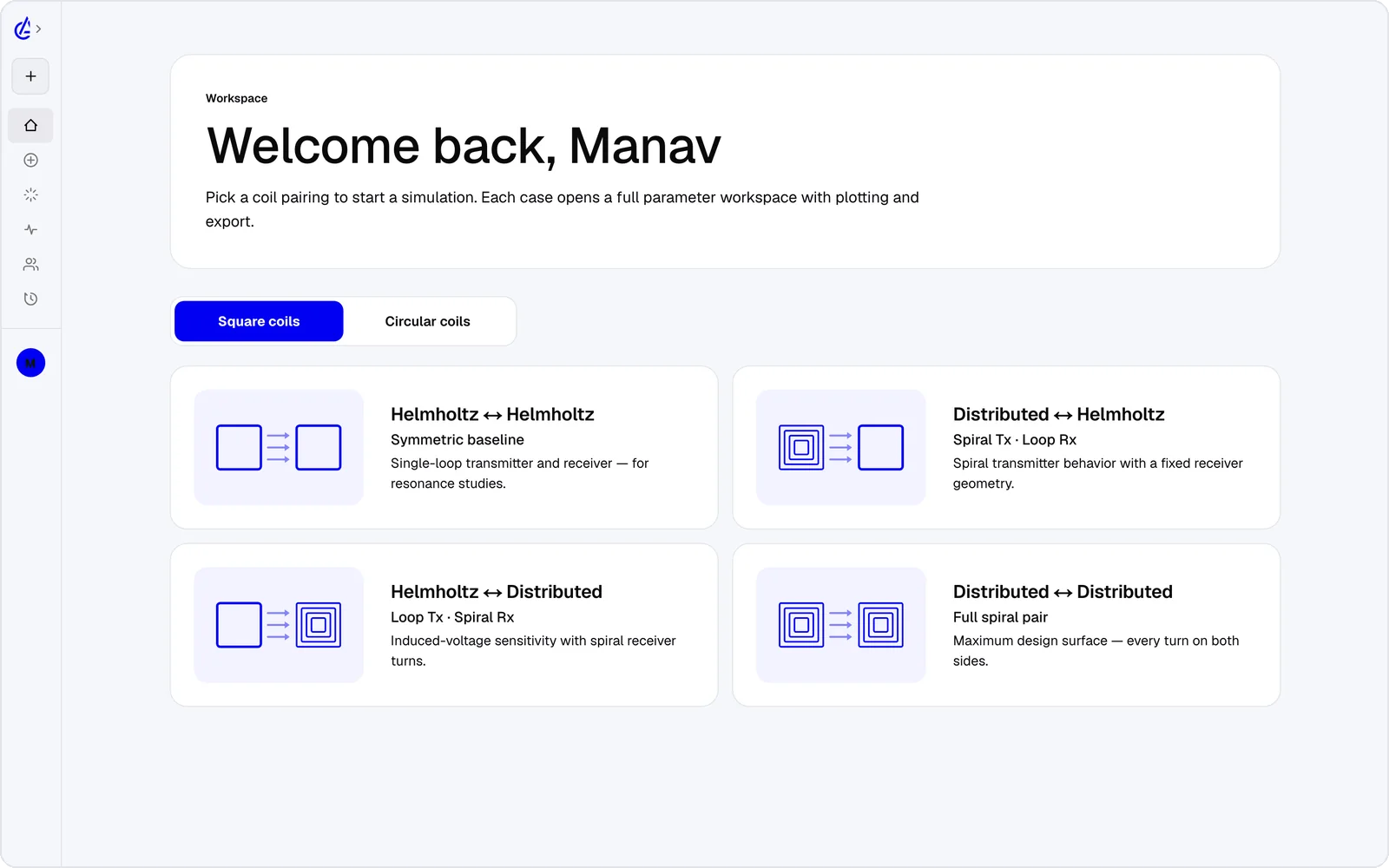
- Eight topology presets — circular and square Helmholtz, DTC planar spirals and cross pairs.
- Coupling k against gap and lateral offset in one sweep, with a genetic optimizer.
- 3D field plots in a browser or on iOS and Android.
- Export to KiCad and DXF for the PCB coil, and SPICE for the matching circuit.
- An AI Copilot that drives the app and runs the real solver, and an MCP server for agents.
It is free to start: the free plan covers the Helmholtz topology with 3 simulations a month, and AirInduct Pro unlocks every topology, the AI Copilot and unlimited runs (see pricing).
Altair Feko vs AirInduct Sim at a glance
How the two compare when the job is a coupled coil pair rather than an installed antenna.
| Criterion | AirInduct Sim | Altair Feko |
|---|---|---|
| Solver method | Closed-form Biot–Savart field + Neumann mutual inductance, no mesh | Method of moments core, with MLFMM, FEM and FDTD, plus PO, RL-GO and UTD asymptotic solvers |
| 3D | Full 3D B and H fields, interactive 3D plots | Full 3D, surface and wire meshes (volume mesh for FEM) |
| Install | None — runs in the browser, plus iOS and Android apps | Desktop install (CADFEKO, EDITFEKO, POSTFEKO), Windows and Linux |
| Licence / price model | Free plan + Pro subscription | Commercial, quote-based Altair Units licensing; free Student Edition for non-commercial use |
| Time to first result | Seconds from a topology preset | Minutes for a wire coil, far longer for a coil mounted on a platform |
| WPT outputs (L, M, k) | Self-inductance, mutual inductance M and coupling k on every run | Port impedance and S/Z-parameters; L, M and k derived from them by you |
| Antenna placement and radiation | Not modelled — near-field magnetics only | Core strength: far fields, installed performance, coupling between antennas on vehicles and aircraft |
| Self-resonance at 13.56 MHz | Not modelled — inductance and coupling only | Yes, full-wave port response including stray capacitance |
| Sweeps and optimisation | Parameter sweeps + genetic optimizer built in | Parameter sweeps and a built-in optimisation engine |
| Export | PDF report, KiCad, DXF, SPICE | Native models, Parasolid geometry, Touchstone S-parameters, field data |
| AI assistance | AI Copilot that drives the app and runs the real solver; MCP server for agents | Lua scripting in CADFEKO and POSTFEKO, plus an external scripting API |
Competitor details are taken from public vendor pages and documentation, last reviewed October 2026. Product names are trademarks of their respective owners and are used only to identify them. AirInduct is not affiliated with, endorsed by or sponsored by any of these vendors.
When to stay with Altair Feko
Stay with Feko whenever radiation or resonance is the question. An NFC antenna that must be tuned to 13.56 MHz, an RFID reader whose read range depends on its pattern, or a wireless charger mounted near a vehicle's telematics antennas all need a full-wave answer, and AirInduct Sim gives none.
AirInduct Sim also ignores ferrite sheets and metal backplanes, which detune most NFC tags in practice. If your work is mostly antennas and coils are an occasional side job, keeping it in Feko avoids a second toolchain.
A coil-to-antenna workflow
For NFC and short-range links, split the job by physics:
- In AirInduct Sim, size the reader and tag loops — turns, outer dimension, pitch — for the coupling you need at the target distance.
- Sweep misalignment to confirm k holds.
- Export the winding as DXF; CADFEKO imports DXF, as well as STEP and Parasolid.
- In Feko, add ports and the ferrite or metal around the tag; check the air-only inductance against the AirInduct Sim PDF report first.
For lower-frequency charging links see the IoT sensor use case, or how the solver is validated.
Which should I use?
Use AirInduct Sim to size air-core wireless power and NFC coils, and Altair Feko to place antennas, predict radiation and tune anything that resonates. AirInduct Sim treats the coil pair as a magnetic problem and returns inductance, mutual inductance and coupling in seconds, with no mesh or ports to configure, which makes it the quicker way to choose turns, size and spacing. Feko treats the same coil as an antenna: it solves currents on wires and surfaces, captures self-resonance and stray capacitance, and shows how the structure radiates or couples once it sits on a real platform. Those are different questions. A 100 kHz charging link rarely needs Feko at all; a 13.56 MHz NFC tag usually needs both, with AirInduct Sim fixing the geometry and Feko handling matching and the metal around it. If radiation is your daily work, Feko stays your main tool.
Compare with other tools
See all 20 AirInduct Sim alternatives and comparisons →Size the loop, then hand it to the antenna team.
Frequently asked questions
Is Altair Feko good for NFC and RFID coil design?
Yes. Thin-wire method of moments handles 13.56 MHz loop antennas efficiently, including self-resonance, matching and reader-to-tag coupling. AirInduct Sim covers only the inductance and coupling part, and does not model resonance or the ferrite sheet behind a tag.
Who owns Feko now?
Siemens, which completed its acquisition of Altair Engineering in March 2025. Feko continues under Altair Units licensing, and a free Feko Student Edition remains available through an Altair One account for non-commercial work.
Why use a closed-form solver if Feko already does MoM?
Speed and set-up. For air-core coils far below self-resonance, Biot–Savart and the Neumann integral give inductance and coupling directly, so you can sweep hundreds of geometries in the time one Feko port solve takes to configure.