
The CENOS alternative for air-core coils.
CENOS is the closest thing to a wireless-charging-specific FEM tool. AirInduct Sim is also built only for WPT, but trades ferrite and thermal modelling for answers in seconds, in a browser.
Last reviewed: October 2026
What CENOS does well
CENOS — short for Connecting ENgineering Open Source — builds a guided desktop application on open-source components: GetDP for finite element solving, FreeCAD for geometry and ParaView for results. Wireless Charging by CENOS is now sold by Siemens alongside Induction Heating by CENOS.
Unlike general FEM suites, it is designed around the wireless charging workflow: import CAD, define the coils with transmitter–receiver templates and stranded-coil settings, pick materials, solve and review. Its strength is coupled analysis. It models ferrite from a built-in library, conductive shields and their hysteresis and eddy losses, and temperature on the coils and nearby objects. It links to LTspice for circuit matching, and handles a moving receiver in transient solves. For a Qi pad behind a phone chassis, that is a fair and capable package.
Where AirInduct Sim is faster for WPT coils
Both tools speak the language of WPT engineers, so the difference is not jargon but physics depth versus turnaround. CENOS still meshes and solves a 3D finite element model for each case. AirInduct Sim computes air-core coupling in closed form, so you can ask more questions per hour:
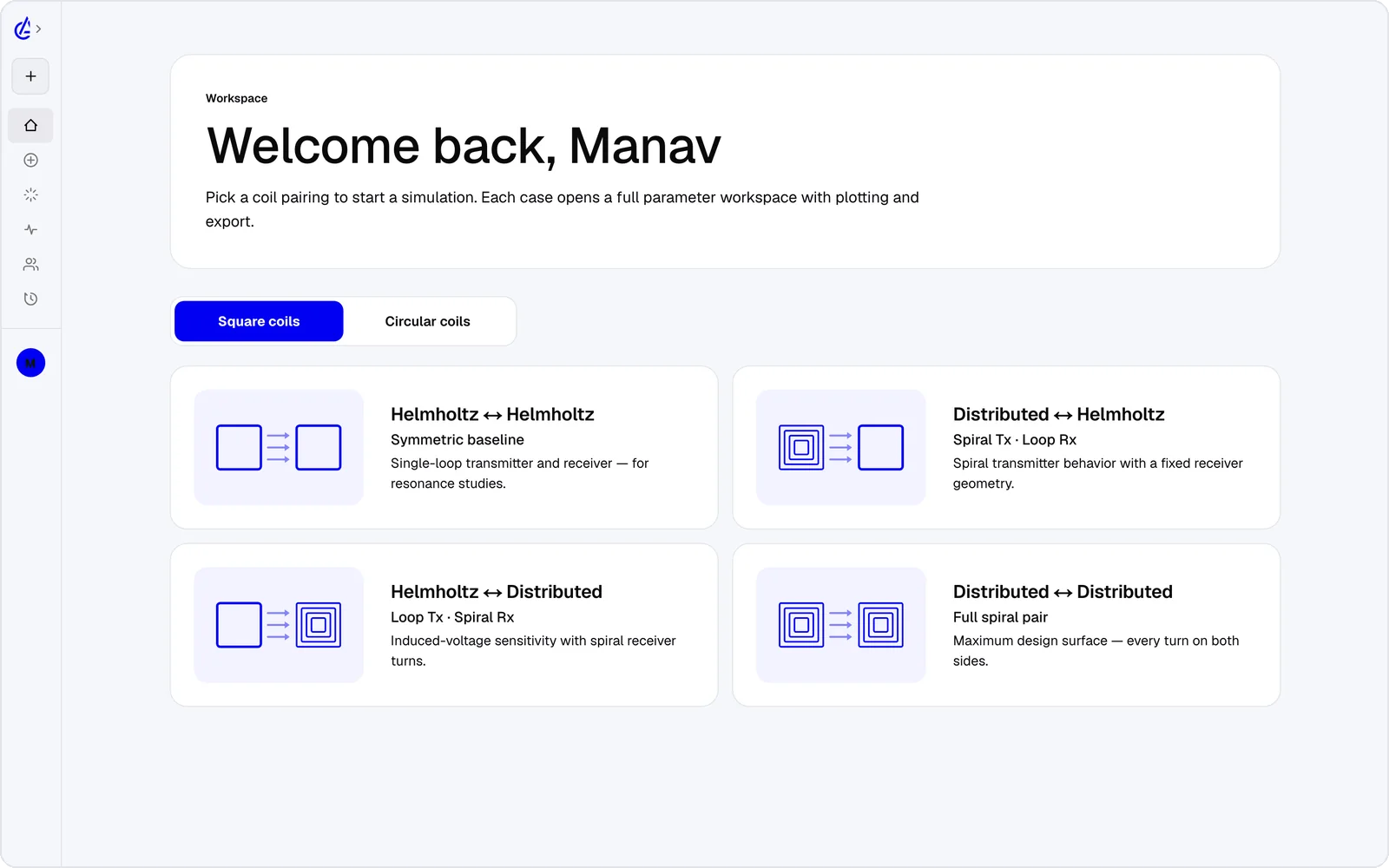
- No CAD file needed: eight parametric presets — circular and square Helmholtz, descending-turn (DTC) planar spirals and cross pairs.
- L, M and k in seconds, with no mesh to tune or wait for.
- Gap and offset parameter sweeps and a genetic optimizer that search turns and radii for you.
- Browser, iOS and Android, with no desktop install or licence pool.
- Coil export to KiCad and DXF for the PCB or mechanical layout, plus a SPICE netlist.
- An AI Copilot that runs the real solver, and an MCP server for agents.
It is free to start: the free plan covers the Helmholtz topology with 3 simulations a month, and AirInduct Pro unlocks every topology, the AI Copilot and unlimited runs (see pricing).
CENOS vs AirInduct Sim at a glance
Two WPT-focused tools with very different physics depth.
| Criterion | AirInduct Sim | CENOS |
|---|---|---|
| Solver method | Closed-form Biot–Savart field + Neumann mutual inductance, no mesh | Finite element method on an open-source core (GetDP), with automatic meshing |
| 3D | Full 3D B and H fields, interactive 3D plots | Full 3D, with ParaView-based field visualisation |
| Install | None — runs in the browser, plus iOS and Android apps | Desktop application; models and data stay on your computer |
| Licence / price model | Free plan + Pro subscription | Commercial licence, now sold by Siemens and drawn from Altair Units; quote-based |
| Time to first result | Seconds from a topology preset | Minutes to hours: guided import, coil and physics setup, mesh, solve |
| WPT outputs (L, M, k) | Self-inductance, mutual inductance M and coupling k on every run | Self- and mutual inductance, coupling efficiency, Q factor, voltage, current, power |
| Ferrite and shielding | Not modelled — air-core coils only | Yes: ferrite library (e.g. N87, 3F3) and conductive shields, with stray losses |
| Thermal and circuit coupling | Not modelled; SPICE netlist export for your own circuit tool | Coupled EM–thermal analysis; circuit coupling via LTspice |
| Transient and motion | Static geometry; sweeps over gap and offset | Steady-state and transient solves, including a moving receiver |
| Geometry input | Eight parametric WPT presets | STEP and IGES import, FreeCAD-based geometry editing, coil templates |
| Export | PDF report, KiCad, DXF, SPICE | Results, field plots and reports from the desktop app |
| AI assistance | AI Copilot that drives the app and runs the real solver; MCP server for agents | No built-in AI assistant advertised |
Competitor details are taken from public vendor pages and documentation, last reviewed October 2026. Product names are trademarks of their respective owners and are used only to identify them. AirInduct is not affiliated with, endorsed by or sponsored by any of these vendors.
When to stay with CENOS
Stay with CENOS when the answer depends on what surrounds the coil. A ferrite sheet under a Qi transmitter, an aluminium battery housing near a receiver, coil temperature at full charging power, or efficiency through a matching network all need its coupled EM, thermal and circuit model. AirInduct Sim does not model any of them.
It is also the better fit when your input is a supplier STEP file rather than a parametric coil, when you need transient behaviour as a receiver moves, or when your organisation already holds Altair Units through Siemens.
Using AirInduct Sim and CENOS together
The two tools sit at adjacent stages of the same project:
- Choose a topology in AirInduct Sim and sweep turns, radius and offset until M and k meet your target.
- Export the coil as DXF, plus the PDF report with every parameter.
- Open the DXF in FreeCAD, extrude the winding into solids and save as STEP — the format CENOS imports.
- In CENOS, solve the air-core case and confirm the inductance matches the report, then add ferrite, shielding and the thermal study.
See how AirInduct Sim handles EV charging and IoT sensor coils, or how the solver is validated.
Which should I use?
Use AirInduct Sim to explore air-core coil geometry quickly, and CENOS when ferrite, shielding, temperature or circuit behaviour decide the design. Both are built for wireless power engineers, which makes the choice clearer than with a general FEM suite: CENOS gives you a guided, coupled electromagnetic, thermal and circuit model of the real assembly, while AirInduct Sim gives you self-inductance, mutual inductance and coupling for the bare coils in seconds, with no mesh, install or licence pool. If you are sizing coils for a research rig, a teaching lab, an implant prototype or an early concept, AirInduct Sim covers the question and lets you test far more variants. If you are finishing a Qi or EV pad with ferrite and a metal housing, CENOS is the honest recommendation, ideally fed with a shortlist from AirInduct Sim.
Compare with other tools
See all 20 AirInduct Sim alternatives and comparisons →Shortlist the coil before you build the model.
Frequently asked questions
Who sells CENOS Wireless Charging now?
Wireless Charging by CENOS and Induction Heating by CENOS are offered through Siemens, which acquired Altair in 2025, and are licensed through Altair Units. Pricing is by quote; contact Siemens for current terms.
Can AirInduct Sim model ferrite like CENOS does?
No. AirInduct Sim is air-core only: no ferrite, shield plates or eddy currents in nearby metal. If your design depends on a ferrite backing or an aluminium shield, CENOS or another FEM tool is the right choice.
Which is better for a student project on wireless charging?
For an air-core coil study, AirInduct Sim runs in a browser with no install and is free to start: the free plan covers the Helmholtz topology with 3 simulations a month. For ferrite or thermal work, ask your university about CENOS access.