
The Coil32 alternative for coil pairs.
Coil32 is the free inductance calculator that hobbyists and engineers keep bookmarked. Wireless power needs one more number: how two coils couple. That is what AirInduct Sim computes.
Last reviewed: October 2026
What Coil32 does well
Coil32 is a free coil inductance calculator for Windows, Android and the web. It covers a long list of coil shapes, from single-layer and multilayer solenoids to flat PCB spirals and toroids, and is quick and reliable for sizing one inductor.
What a wireless power link needs on top
A wireless power transfer link has two coils. Its performance depends on their mutual inductance M and coupling coefficient k, and on how both change as the receiver moves away or slides sideways. AirInduct Sim computes those on the 3D geometry:
- L of each coil, M and k on every run.
- Gap and lateral misalignment sweeps in seconds.
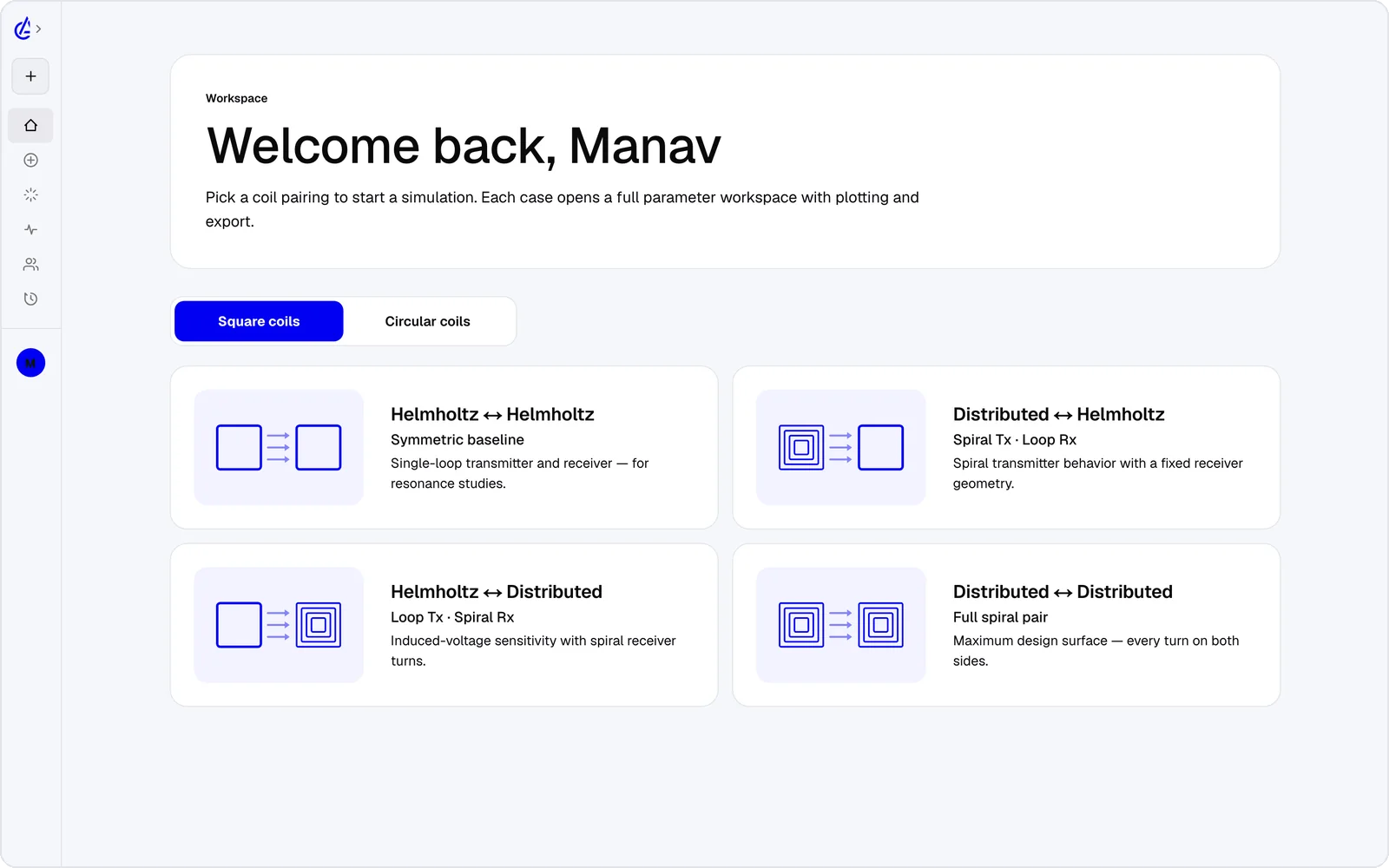
- Eight WPT presets, including square Helmholtz and descending-turn (DTC) spirals.
- 3D field plots, a genetic optimizer and a link efficiency estimate.
For quick numbers without an account, try the free mutual inductance calculator and coupling coefficient calculator.
Coil32 vs AirInduct Sim at a glance
A single-coil inductance calculator and a two-coil link simulator do different jobs.
| Criterion | AirInduct Sim | Coil32 |
|---|---|---|
| What it calculates | Two-coil links: L of each coil, mutual inductance M, coupling k, fields and link efficiency | Inductance of a single coil from its dimensions, for many coil shapes |
| Method | Closed-form Biot–Savart field + Neumann mutual inductance on the 3D geometry | Published inductance formulas and numerical methods for each coil type |
| Misalignment and gap | Any gap or lateral offset, swept directly | Not the focus: one coil at a time |
| Fields | 3D B and H field plots | No field maps |
| Platforms | Browser, iOS and Android | Windows desktop, Android app and online calculators |
| Price | Free plan + Pro subscription | Free |
| AI assistance | AI Copilot that drives the app and runs the real solver; MCP server for agents | None |
Competitor details are taken from public vendor pages and documentation, last reviewed October 2026. Product names are trademarks of their respective owners and are used only to identify them. AirInduct is not affiliated with, endorsed by or sponsored by any of these vendors.
Which should I use?
Keep Coil32 for sizing a single inductor. Use AirInduct Sim when you have two coils and need M, k and how they change with gap and offset. The free calculators cover the coaxial case with no account, and the simulator handles misalignment, square coils and spirals.
Compare with other tools
See all 20 AirInduct Sim alternatives and comparisons →Add the second coil and see k.
Frequently asked questions
What is a good Coil32 alternative for wireless charging coils?
Coil32 is excellent for the inductance of one coil. For a wireless power link you also need the mutual inductance and coupling between two coils at a given gap and offset. AirInduct Sim calculates L, M and k together in the browser, and has free calculators too.
Is there a free mutual inductance calculator?
Yes. AirInduct Sim has a free mutual inductance calculator and a free coupling coefficient calculator for coaxial coils, with no sign-up. The full simulator adds offsets, square and spiral coils, and field plots.
Is AirInduct Sim free like Coil32?
The calculators are free with no account. The simulator is free to start: the free plan covers the Helmholtz topology with 3 simulations a month, and AirInduct Pro unlocks every topology and the AI Copilot.