
The QuickField alternative for WPT coils.
QuickField is a polished, vendor-supported finite element suite that shines on coupled 2D problems and in the classroom. AirInduct Sim does one narrower job — air-core wireless power coils in 3D — with no mesh and no node budget.
Last reviewed: October 2026
What QuickField does well
QuickField, from Tera Analysis in Denmark, is a commercial finite element package built around a clean Windows interface. Its analysis packages cover DC, AC and transient magnetics, electrostatics, DC and AC conduction, transient electric fields, heat transfer and stress. Version 7.0 shipped in September 2025.
Its real strength is coupling. Losses from an AC magnetic solve can feed a heat transfer problem, and the resulting temperatures can feed a stress analysis — the workflow for an induction heater or a hot transformer winding. Transient magnetics links to an electric circuit, the ActiveField API connects it to MATLAB and other programs, and LabelMover runs serial, tolerance and optimisation studies. Every edition is supported by the vendor, which universities value: the free Student Edition shares the Professional interface, so coursework transfers directly to industry use.
Where AirInduct Sim is faster for WPT coils
QuickField's magnetics are 2D, so a coil pair has to be either a planar cross-section or perfectly coaxial. AirInduct Sim solves the real 3D geometry with closed-form Biot–Savart and the Neumann integral, which changes the day-to-day work:
- No node budget. A two-coil model with its air gap soon strains the Student Edition's 255 nodes; AirInduct Sim has no mesh.
- Lateral offset, gap and turns sweeps on misaligned coils — a case 2D magnetics cannot draw.
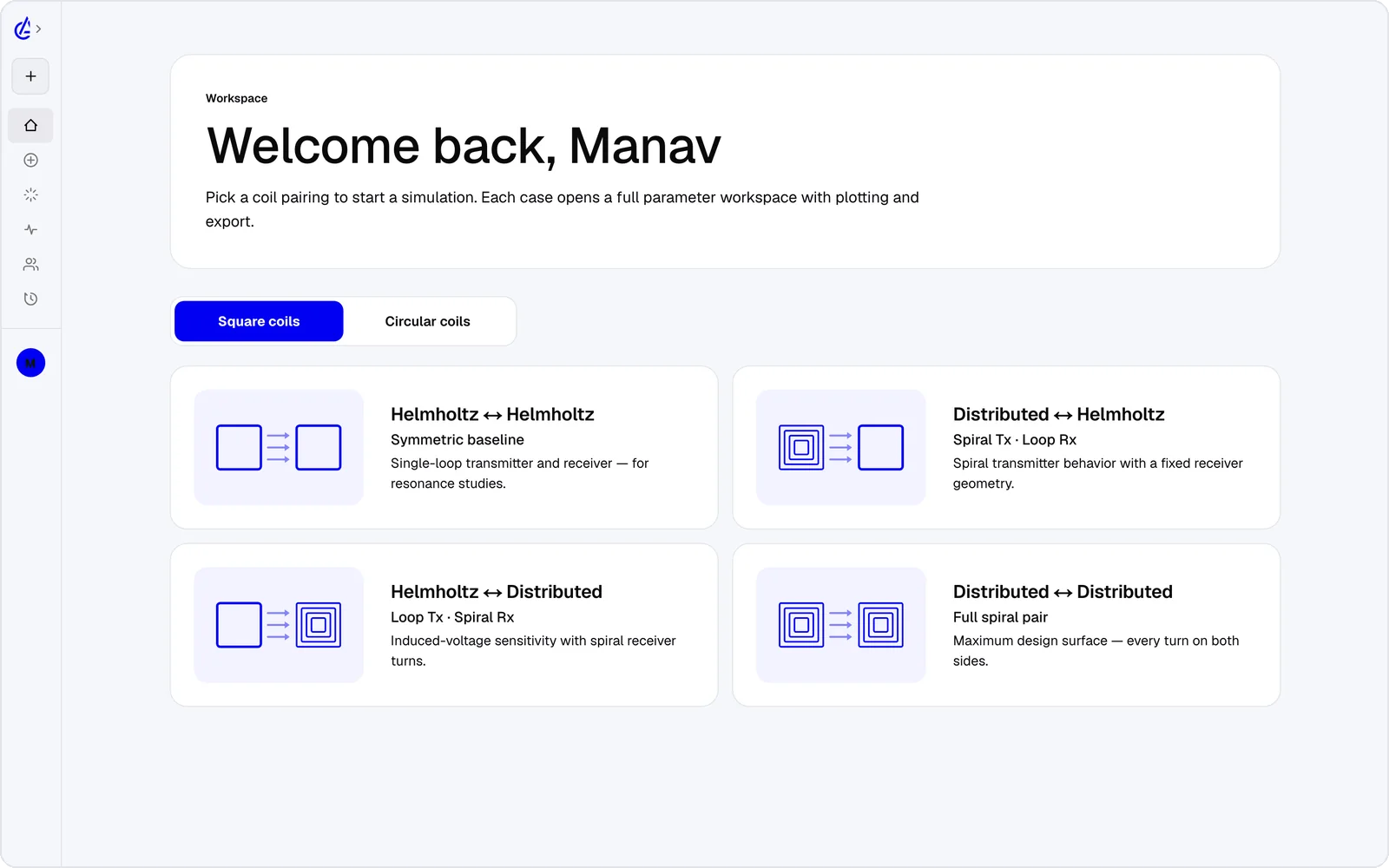
- Eight WPT topology presets, including square Helmholtz, descending-turn (DTC) spirals and cross pairs, instead of labelling blocks and edges by hand.
- L, M and k reported directly, rather than integrated from the post-processor.
- Runs on a Mac, Chromebook, iPad or phone — and an AI Copilot that drives the app and runs the real solver.
It is free to start: the free plan covers the Helmholtz topology with 3 simulations a month, and AirInduct Pro unlocks every topology, the AI Copilot and unlimited runs (see pricing).
QuickField vs AirInduct Sim at a glance
A supported multiphysics FEM suite against a dedicated 3D coil solver.
| Criterion | AirInduct Sim | QuickField |
|---|---|---|
| Solver method | Closed-form Biot–Savart field + Neumann mutual inductance, no mesh | Finite element method with automatic meshing |
| 3D | Full 3D B and H fields, interactive 3D plots | Magnetics in 2D planar and axisymmetric; 3D for electrostatics, DC conduction and steady-state heat |
| Install | None — runs in the browser, plus iOS and Android apps | Windows desktop install; other systems only through an emulator, unsupported |
| Licence / price model | Free plan + Pro subscription | Free Student Edition (255-node 2D mesh); Lite and Professional are commercial, quote-based |
| Time to first result | Seconds from a topology preset | Minutes: draw geometry, set labels and materials, mesh, solve |
| WPT outputs (L, M, k) | Self-inductance, mutual inductance M and coupling k on every run | Inductance and impedance from post-processor integrals; k derived by hand |
| Coupled analyses | Not offered — air-core magnetics only | AC magnetics to heat to stress; circuit coupling in transient magnetics |
| Parametric studies | Parameter sweeps + genetic optimizer built in | LabelMover (serial, tolerance and optimisation) on the ActiveField API |
| Export | PDF report, KiCad, DXF, SPICE | Native problem files, DXF geometry, field tables and pictures |
| AI assistance | AI Copilot that drives the app and runs the real solver; MCP server for agents | None built in |
Competitor details are taken from public vendor pages and documentation, last reviewed October 2026. Product names are trademarks of their respective owners and are used only to identify them. AirInduct is not affiliated with, endorsed by or sponsored by any of these vendors.
When to stay with QuickField
Stay with QuickField when the question goes beyond the coil. Heating in a receiver plate, the thermal stress it causes, core losses in ferrite or eddy currents in a nearby housing all need its coupled finite element packages; AirInduct Sim models air-core coils only and has no thermal or structural solver.
It also suits a department wanting one supported tool across electrostatics, magnetics and heat courses, or a company that wants a vendor to call.
Moving a coil design between them
- Pick a topology in AirInduct Sim, set the target gap and sweep offset and turns until M and k meet the link budget.
- Export the coil outline as DXF and the run as a PDF report of radii, turns and coupling.
- Import the DXF into the QuickField Model Editor for a planar model, or rebuild an axisymmetric section from the report's dimensions.
- Check that the air-core inductance matches at zero offset, then add ferrite, conductive plates and the AC-to-heat coupling QuickField is built for.
Read how the solver is validated, or see every export format.
Which should I use?
Use AirInduct Sim to design and optimise air-core wireless power coils in 3D, and QuickField when the coil must be analysed together with heat, stress or magnetic materials. QuickField is a mature, supported Windows suite whose strengths are coupled 2D problems, a tidy interface and a free Student Edition that suits teaching. For wireless power its limits are the 2D magnetics, which cannot represent a sideways offset or a square pad, and the Student Edition's 255-node mesh, which a realistic two-coil model quickly outgrows. AirInduct Sim removes both constraints for air-core work, reporting L, M and k in seconds in a browser, with sweeps and an optimizer built in. It has no thermal, structural or ferrite modelling, so it does not replace QuickField's multiphysics. A practical split: explore topologies and misalignment in AirInduct Sim, then confirm losses and temperatures in QuickField.
Compare with other tools
See all 20 AirInduct Sim alternatives and comparisons →Skip the node limit. Get M and k now.
Frequently asked questions
Is the QuickField Student Edition enough for WPT coil design?
For a single axisymmetric coil, often yes. The 255-node 2D mesh limit runs out quickly once you add a second coil, a gap of air and a ferrite plate, and it cannot model lateral offset.
Does QuickField do 3D magnetics?
QuickField offers 3D for electrostatics, DC conduction and steady-state heat transfer, extruded from 2D or imported as STEP. Its DC, AC and transient magnetics packages are 2D planar and axisymmetric.
Which is better for teaching electromagnetics?
QuickField teaches finite element method practice across physics domains, with coursework-friendly examples. AirInduct Sim teaches coupling intuition: students change gap, offset or turns and watch M and k respond in seconds.
How much does AirInduct Sim cost compared with QuickField?
AirInduct Sim is free to start: the free plan covers the Helmholtz topology with 3 simulations a month, and AirInduct Pro unlocks every topology, the AI Copilot and unlimited runs. QuickField Lite and Professional are quoted.