
The Ansys Maxwell alternative for WPT coils.
Ansys Maxwell is the reference finite element tool for low-frequency magnetics. AirInduct Sim does one narrower job — air-core wireless power coil design — in seconds, in a browser, before you ever open a mesh.
Last reviewed: October 2026
What Ansys Maxwell does well
Ansys Maxwell, now part of Synopsys after its 2025 acquisition of Ansys, is a mature finite element solver for low-frequency electromagnetics. It handles magnetostatic, eddy-current and transient problems in 2D, axisymmetric and full 3D, with adaptive meshing that refines itself until the answer converges.
Its real strength is materials. Maxwell models nonlinear ferrite and steel, core loss, eddy currents in shield plates and the induced losses in nearby metal — the things that decide whether a production EV pad meets its efficiency and EMF targets. It couples to circuit and thermal tools, and from 2025 R2 ships an Engineering Copilot assistant. For certification-grade work it is hard to beat.
Where AirInduct Sim is faster for WPT coils
AirInduct Sim skips the mesh. It computes the field with closed-form Biot–Savart and coupling with the Neumann mutual-inductance integral, so a coil pair solves in seconds.
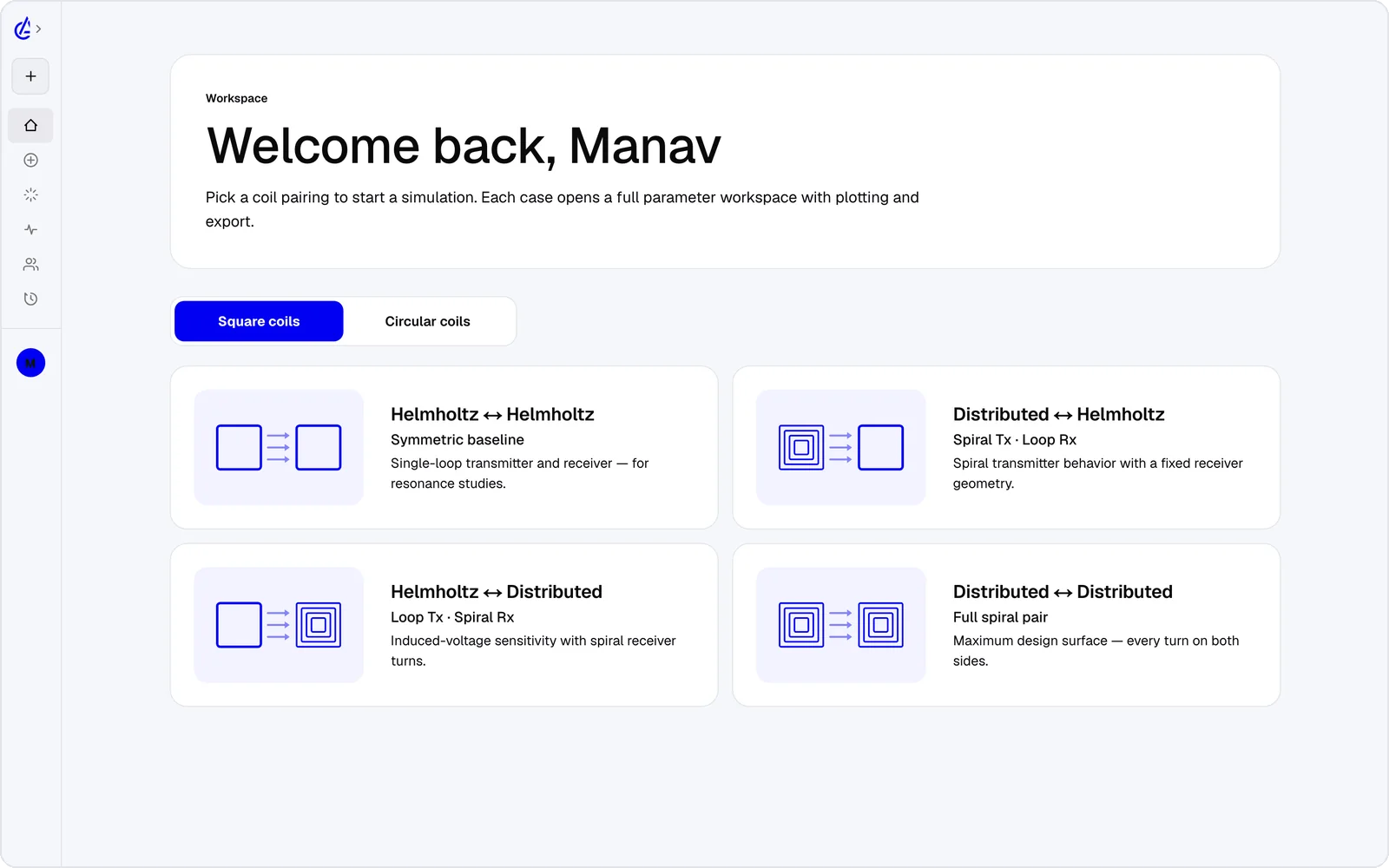
- Eight WPT topology presets — circular and square Helmholtz, descending-turn (DTC) planar spirals and cross pairs — instead of a blank modeller.
- Self-inductance, mutual inductance M and coupling coefficient k reported on every run.
- Gap, misalignment and turn-count sweeps, plus a genetic optimizer, built in.
- 3D field plots in any browser, and iOS and Android apps — no install, no licence server.
- An AI Copilot that drives the app and runs the real solver, and an MCP server for your own agents.
It is free to start: the free plan covers the Helmholtz topology with 3 simulations a month, and AirInduct Pro unlocks every topology, the AI Copilot and unlimited runs (see pricing).
Ansys Maxwell vs AirInduct Sim at a glance
How the two compare on the work a WPT coil designer does every day.
| Criterion | AirInduct Sim | Ansys Maxwell |
|---|---|---|
| Solver method | Closed-form Biot–Savart field + Neumann mutual inductance, no mesh | Finite element method (magnetostatic, eddy-current, transient), adaptive mesh |
| 3D | Full 3D B and H fields, interactive 3D plots | 2D, axisymmetric and full 3D |
| Install | None — runs in the browser, plus iOS and Android apps | Desktop install (Ansys Electronics Desktop), Windows and Linux |
| Licence / price model | Free plan + Pro subscription | Commercial licence, quote-based; free Student edition with mesh limits |
| Time to first result | Seconds from a topology preset | Minutes to hours: geometry, materials, boundaries, mesh, solve |
| WPT outputs (L, M, k) | Self-inductance, mutual inductance M and coupling k on every run | Inductance matrix and coupling from the solved fields; you set up the extraction |
| Magnetic cores, shields, eddy currents | Not modelled — air-core coils only | Yes, including nonlinear materials and losses |
| Sweeps and optimisation | Parameter sweeps + genetic optimizer built in | Parametric sweeps; optimisation via Optimetrics / optiSLang |
| Export | PDF report, KiCad, DXF, SPICE | Native project files, CAD formats, equivalent-circuit and reduced-order models |
| AI assistance | AI Copilot that drives the app and runs the real solver; MCP server for agents | Ansys Engineering Copilot (AI assistant inside Maxwell, from 2025 R2) |
Competitor details are taken from public vendor pages and documentation, last reviewed October 2026. Product names are trademarks of their respective owners and are used only to identify them. AirInduct is not affiliated with, endorsed by or sponsored by any of these vendors.
When to stay with Ansys Maxwell
Stay with Maxwell when the answer depends on materials. Ferrite tiles behind an EV pad, aluminium shields, a phone chassis near a Qi coil, core loss, or eddy-current heating in a metal object all need a finite element model, and AirInduct Sim does not model them.
It is also the right home for transient analysis with power electronics, coupled thermal studies and the validation reports a certification lab expects. If your team already holds Ansys licences, use them.
A workflow that uses both
Most teams do not choose one tool. They use AirInduct Sim to narrow the design space and Maxwell to sign off the winner:
- Pick a topology preset in AirInduct Sim and set the target gap and frequency.
- Sweep turns, radius and lateral offset to map M and k; let the optimizer refine it.
- Export the coil as DXF and the run as a PDF report with every parameter.
- Import the DXF into Maxwell, add ferrite and shielding, and check the air-core FEM inductance matches before adding materials.
Start with the Helmholtz coil simulator if you are new to AirInduct Sim, or read how the solver is validated.
Which should I use?
Use AirInduct Sim for air-core wireless power coil exploration, and Ansys Maxwell for the final design once ferrite, shielding or loss matter. AirInduct Sim answers the early questions — how many turns, what radius, how much coupling at this gap and offset — in seconds, without a mesh, an install or a licence quote, which lets one engineer test hundreds of variants in an afternoon. Ansys Maxwell answers the later questions that decide whether a product ships: how ferrite shapes the flux, how hot the shield gets and what the losses and stray fields are with real materials in place. If you only design air-core coils for research, teaching, prototypes or implant links, AirInduct Sim may be all you need. If you build production EV or consumer charging pads, plan to use both: AirInduct Sim to pick the candidate, Maxwell to validate it.
Compare with other tools
See all 20 AirInduct Sim alternatives and comparisons →Get M and k before the mesh finishes.
Frequently asked questions
Is AirInduct Sim a replacement for Ansys Maxwell?
For early-stage air-core coil design, yes: AirInduct Sim gives inductance, mutual inductance and coupling versus gap and misalignment in seconds. For ferrite pads, shielding, eddy-current loss or certification work you still need Maxwell.
Is there a free version of Ansys Maxwell?
Ansys Electronics Desktop Student, which includes Maxwell, is free for educational use with mesh limits (64,000 3D volume elements). AirInduct Sim is free to start: the free plan covers the Helmholtz topology with 3 simulations a month.
How accurate is a closed-form Biot–Savart solver compared with Maxwell FEM?
For air-core coils with no magnetic material nearby, Biot–Savart and the Neumann integral are exact for the filament geometry and agree closely with converged FEM. Once ferrite or metal enters the field, FEM is the accurate choice.
Can I move an AirInduct Sim design into Ansys Maxwell?
Yes. Export the coil as DXF, which Maxwell imports as geometry, and keep the PDF report of turns, radii and coupling to check the FEM model against.