
The Maxwell SV alternative for students.
If you searched for Maxwell SV, you probably wanted a free Maxwell for a course, a lab or a thesis. Here is what happened to it, what replaced it, and where AirInduct Sim fits for wireless power coils.
Last reviewed: October 2026
What Maxwell SV and its successor do well
Maxwell SV was a free subset of Ansoft's Maxwell 2D, released in 2002 for students, professors and practising engineers. It offered 2D electric field and DC and AC magnetic field solvers, adaptive meshing, a material library and DXF import — enough to teach finite element magnetics on real actuator, sensor and transformer problems. Ansys acquired Ansoft in 2008, Maxwell SV was eventually withdrawn, and Ansys itself is now part of Synopsys.
Its replacement is Ansys Electronics Desktop Student: free, Windows-only, licensed for educational use, and bundling Maxwell with HFSS, Q3D Extractor, Icepak, Twin Builder and Circuit. Unlike Maxwell SV it includes 3D. Students learn the same interface and adaptive meshing used in industry.
Where AirInduct Sim is faster for WPT coils
The Student edition's limits bite hardest on exactly the models WPT students build. Two multi-turn coils with a large air region can exhaust 64,000 volume elements quickly, and 2,000 triangles is tight even for an axisymmetric coil pair. AirInduct Sim has no mesh to cap: it uses closed-form Biot–Savart and the Neumann integral.
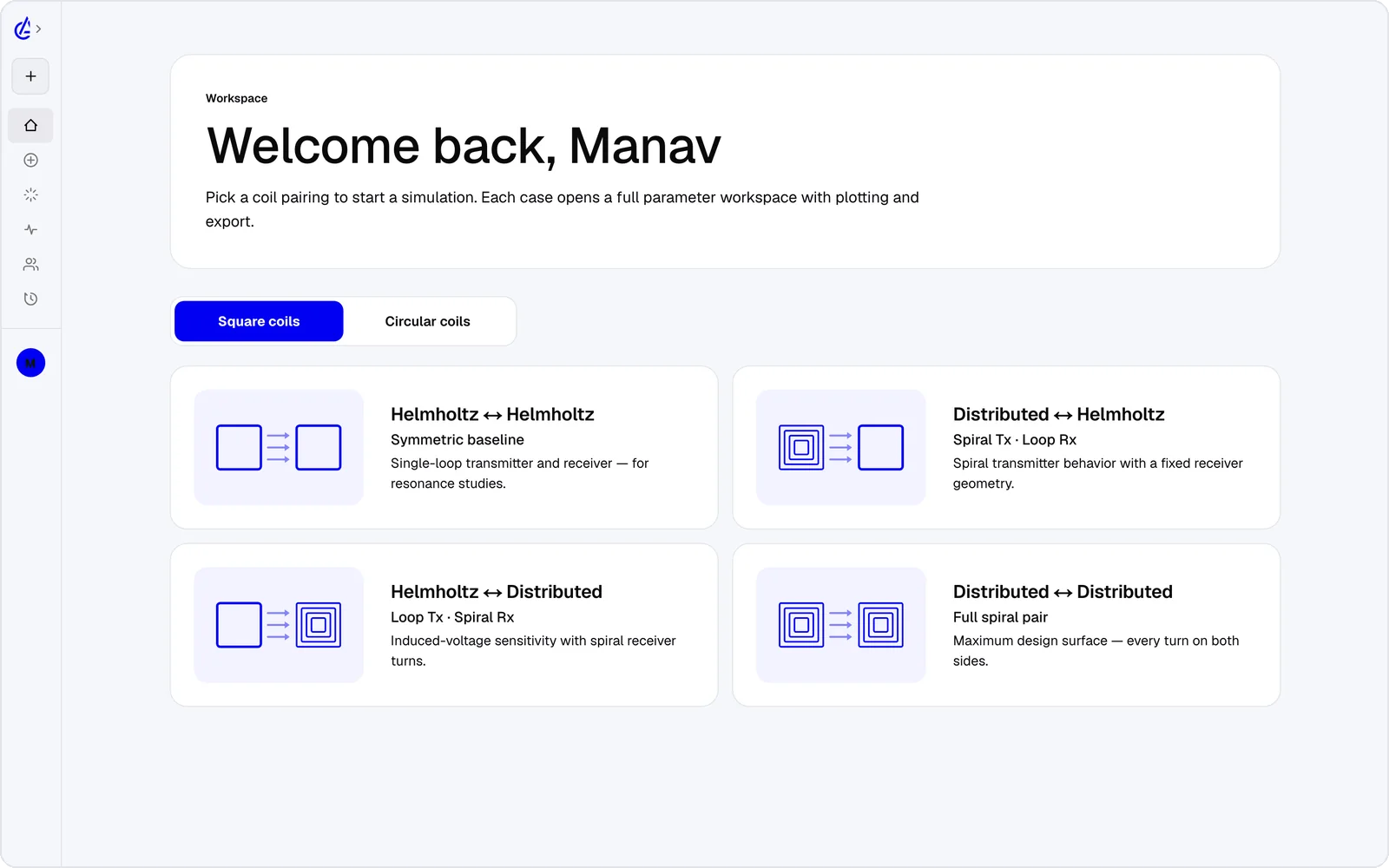
- Eight WPT presets — circular and square Helmholtz, descending-turn (DTC) spirals and cross pairs — so a lab exercise starts in seconds.
- Self-inductance, mutual inductance M and coupling k shown on every run, which maps directly onto lecture formulas.
- Gap and misalignment sweeps and a genetic optimizer for design projects.
- Runs on Chromebooks, Macs, tablets and phones — no Windows lab image needed.
- An AI Copilot that drives the app and runs the real solver, and an MCP server for agents.
It is free to start: the free plan covers the Helmholtz topology with 3 simulations a month, and AirInduct Pro unlocks every topology, the AI Copilot and unlimited runs (see pricing).
Maxwell SV, Maxwell Student and AirInduct Sim
The retired free Maxwell, its official successor and a browser coil solver, for coursework and WPT projects.
| Criterion | AirInduct Sim | Maxwell SV / AEDT Student |
|---|---|---|
| Solver method | Closed-form Biot–Savart field + Neumann mutual inductance, no mesh | Maxwell SV: 2D FEM. AEDT Student: Maxwell 2D and 3D FEM with adaptive mesh |
| 3D | Full 3D B and H fields, interactive 3D plots | Maxwell SV: 2D only. AEDT Student: 3D, capped at 64,000 volume elements |
| Install | None — runs in the browser, plus iOS and Android apps | AEDT Student: Windows desktop install, local solve only |
| Licence / price model | Free plan + Pro subscription | Maxwell SV: retired. AEDT Student: free, educational use only, renewed yearly |
| Time to first result | Seconds from a topology preset | Minutes to hours once installed: geometry, materials, excitations, mesh, solve |
| WPT outputs (L, M, k) | Self-inductance, mutual inductance M and coupling k on every run | Inductance matrix from a magnetostatic or eddy-current solve; you set up the extraction |
| Model size limits | No element limits — there is no mesh | AEDT Student: 64,000 3D volume, 8,000 3D surface, 2,000 2D triangles |
| Transient analysis | Not offered — frequency-domain coil parameters | Not supported in the Student edition (2D or 3D) |
| Sweeps and optimisation | Parameter sweeps + genetic optimizer built in | Parametric sweeps within the element limits |
| Export | PDF report, KiCad, DXF, SPICE | AEDT Student: imports DXF and STEP; geometry export not supported |
| AI assistance | AI Copilot that drives the app and runs the real solver; MCP server for agents | None in Maxwell SV |
Competitor details are taken from public vendor pages and documentation, last reviewed October 2026. Product names are trademarks of their respective owners and are used only to identify them. AirInduct is not affiliated with, endorsed by or sponsored by any of these vendors.
When to use Maxwell Student instead
Use Ansys Electronics Desktop Student when the coursework is about finite element method itself — meshing, boundary conditions, convergence — or when the design has ferrite, a magnetic core or a metal shield, which AirInduct Sim does not model.
Remember the licence: it covers self-learning, instruction, student projects and demonstrations. Commercial work needs a full Ansys licence. And if your project needs transient simulation, the Student edition will not run it.
A course or thesis workflow
- Teach the physics in AirInduct Sim: start from the Helmholtz coil simulator and show how field uniformity and k change with spacing.
- Let students sweep turns, radius and offset, then optimise toward a target coupling.
- Export the chosen coil as DXF — one of the two formats the Student edition imports — plus the PDF report.
- Rebuild it in Maxwell Student, solve the air-core case, compare inductance with the report, then add ferrite within the element limits.
Educators can check how the solver is validated.
Which should I use?
Students who need a free Maxwell should use AirInduct Sim for air-core WPT coil work and Ansys Electronics Desktop Student when they must learn finite element modelling or add magnetic materials. Maxwell SV itself is gone: the 2002-era 2D tool is no longer offered, and unofficial downloads are not worth the risk. Its successor is genuinely capable and free for education, but Windows-only, capped at 64,000 3D elements and without transient solvers — limits that a two-coil model with plenty of air can hit. AirInduct Sim avoids the mesh entirely, returns inductance, mutual inductance and coupling in seconds and runs on whatever device a student owns, which makes it a practical teaching and thesis-exploration tool. For most WPT projects the strongest approach is both: explore and optimise in AirInduct Sim, then confirm one final design in Maxwell Student.
Compare with other tools
See all 20 AirInduct Sim alternatives and comparisons →A free place to start your coil project.
Frequently asked questions
Can I still download Maxwell SV?
Not from Ansys. Maxwell SV, the free 2D subset of Maxwell that Ansoft released in 2002, is no longer offered. Third-party copies are unsupported and best avoided. The official free route today is Ansys Electronics Desktop Student.
What are the limits of the free Ansys Maxwell Student version?
Maxwell in Ansys Electronics Desktop Student caps meshes at 64,000 3D volume elements and 2,000 2D triangles, drops 2D and 3D transient solvers, solves locally on up to 4 cores, imports only DXF and STEP, and is licensed for educational use only.
Is AirInduct Sim good for teaching wireless power transfer?
Yes, for air-core coils. Students see Biot–Savart fields and Neumann coupling directly, change turns or gap and get L, M and k in seconds, on a laptop, tablet or phone. The free plan covers the Helmholtz topology with 3 simulations a month.
Should a WPT thesis use Maxwell Student or AirInduct Sim?
Often both. Use AirInduct Sim to explore and optimise the air-core geometry, then reproduce the chosen design in Maxwell Student to cross-check inductance and to add ferrite or shielding, provided the model fits within the element limits.