
The COMSOL alternative for WPT coils.
COMSOL Multiphysics can model almost any physics. AirInduct Sim models one thing — the coupling of air-core wireless power coils — and returns it in seconds.
Last reviewed: October 2026
What COMSOL Multiphysics does well
COMSOL Multiphysics is a general finite element environment whose defining feature is coupling: a coil model can feed its losses into heat transfer and its terminals into a circuit in one model tree, and you can type your own equation when no interface fits.
For WPT specifically, the AC/DC Module’s Coil feature handles homogenised multi-turn windings and extracts impedance and inductance matrices, and the Magnetic Fields, Currents Only interface is built for large inductance matrices such as PCB coil arrays. Ferrite, coil losses and metal enclosures are in scope, and version 6.3 added a Chatbot window that answers modelling questions.
Where AirInduct Sim is faster for WPT coils
The cost of COMSOL’s generality is setup: drawing turns, sizing an air sphere, choosing infinite elements, applying the Coil feature and running a mesh study until the inductance stops moving. AirInduct Sim removes those steps for air-core coils:
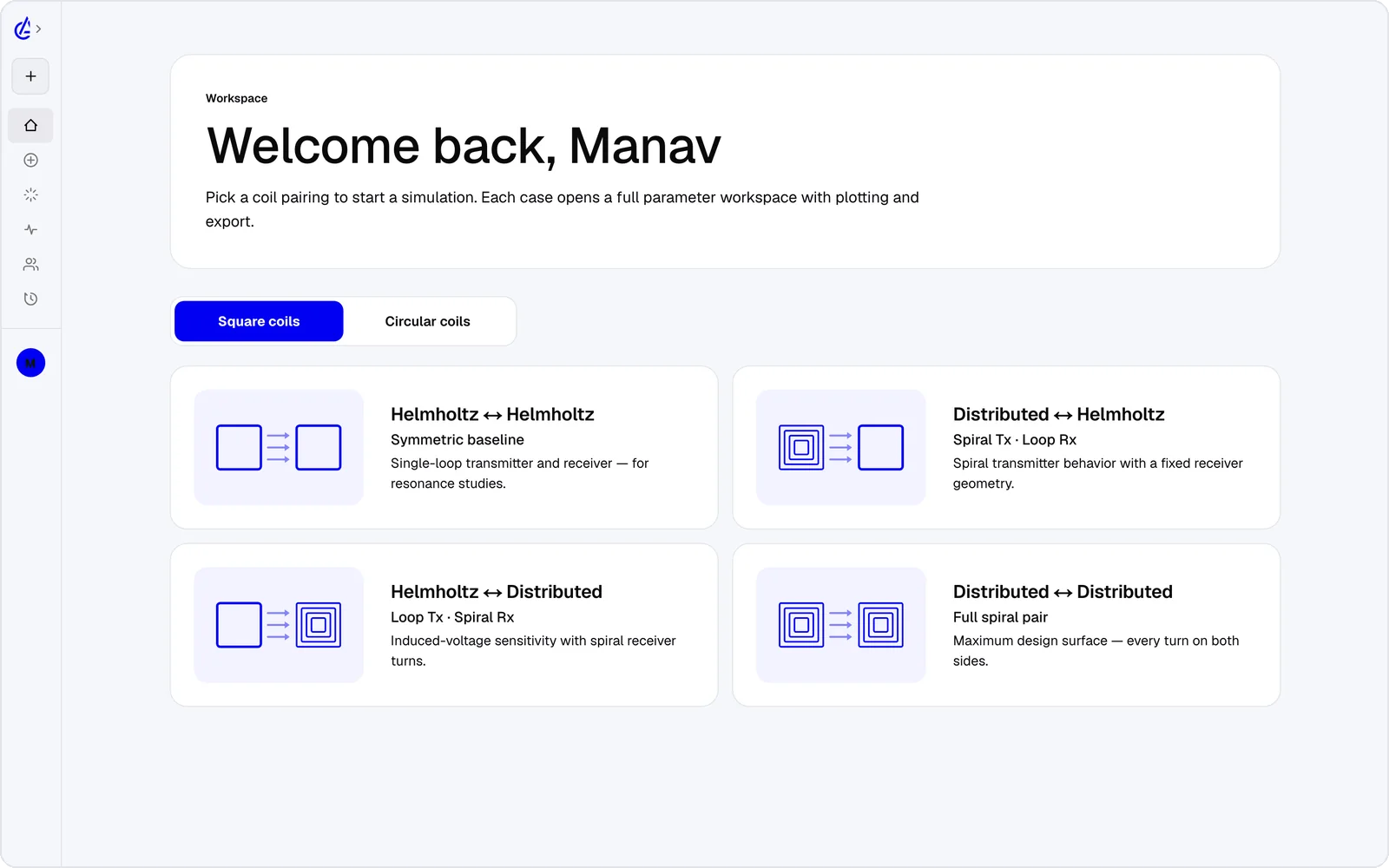
- Geometry comes from eight WPT presets — circular and square Helmholtz, descending-turn (DTC) planar spirals and cross pairs — set by number, not drawn.
- No air domain or mesh: closed-form Biot–Savart and Neumann integrals report L, M and k on every run.
- Gap, offset and turn-count sweeps plus a genetic optimizer, in any browser or on a phone.
- The AI Copilot runs the real solver for you, and the MCP server lets your own agents call it — no API key to manage.
It is free to start: the free plan covers the Helmholtz topology with 3 simulations a month, and AirInduct Pro unlocks every topology, the AI Copilot and unlimited runs (see pricing).
COMSOL Multiphysics vs AirInduct Sim at a glance
How the two compare when the job is sizing a wireless power coil pair.
| Criterion | AirInduct Sim | COMSOL Multiphysics |
|---|---|---|
| Solver method | Closed-form Biot–Savart field + Neumann mutual inductance, no mesh | Finite element method; AC/DC Module adds magnetic-field, coil and circuit interfaces |
| 3D | Full 3D B and H fields, interactive 3D plots | 1D, 2D, axisymmetric and full 3D |
| Install | None — runs in the browser, plus iOS and Android apps | Desktop install on Windows, macOS and Linux |
| Licence / price model | Free plan + Pro subscription | Commercial licence, quote-based; base package plus add-on modules such as AC/DC |
| Time to first result | Seconds from a topology preset | Hours for a first coil model: geometry, physics, air domain, mesh study, solve |
| WPT outputs (L, M, k) | Self-inductance, mutual inductance M and coupling k on every run | Impedance and inductance matrix from the Coil feature; k derived by you |
| Physics coverage | Magnetic field of air-core coils only | Electromagnetics coupled with heat transfer, structural, CFD, acoustics and custom PDEs |
| Sweeps and optimisation | Parameter sweeps + genetic optimizer built in | Parametric sweeps; gradient and derivative-free optimisation with the Optimization Module |
| Sharing a model with non-experts | Send a link; the app is the same for everyone | Application Builder apps, run via COMSOL Server or compiled with COMSOL Compiler |
| Export | PDF report, KiCad, DXF, SPICE | Native .mph files, CAD formats (with CAD add-ons), data tables, lumped circuits |
| AI assistance | AI Copilot that drives the app and runs the real solver; MCP server for agents | Chatbot window (6.3+, Windows desktop) for modelling questions and Java API code, using your own LLM API key |
Competitor details are taken from public vendor pages and documentation, last reviewed October 2026. Product names are trademarks of their respective owners and are used only to identify them. AirInduct is not affiliated with, endorsed by or sponsored by any of these vendors.
When to stay with COMSOL Multiphysics
Stay with COMSOL when the coil is only part of the question. An implant link where tissue heating matters, or an EV pad where ferrite saturation and shield temperature interact, is a multiphysics problem; AirInduct Sim does not model cores, shields, eddy currents in nearby metal, tissue or heat.
It is also the better home for custom equations, or for an Application Builder app your lab can share. If you already hold AC/DC Module seats, use them for the final model.
Moving a design from AirInduct Sim into COMSOL
Explore in AirInduct Sim, then build only the shortlisted design in COMSOL:
- Pick a preset in AirInduct Sim and sweep gap and offset until k holds across your misalignment range.
- Export the winding as DXF and the run as a PDF report listing turns, radii, L, M and k.
- In COMSOL, import the DXF into a 2D component or a 3D work plane — 2D DXF import needs no add-on — and extrude or revolve it into conductors.
- Solve the air-core case first and check inductance against the PDF report before adding ferrite or tissue.
- Optionally import the SPICE export into the Electrical Circuit interface.
See the coil design guide or how the solver is validated.
Which should I use?
Use AirInduct Sim to choose an air-core wireless power coil, and COMSOL Multiphysics when the coil has to be modelled together with the materials, heat or mechanics around it. AirInduct Sim is the faster tool for the questions that start a WPT project — turns, radius, gap tolerance, how much coupling survives a lateral offset — because it needs no drawing, air domain or mesh study, and it runs on any device with a browser. COMSOL is the stronger tool for everything AirInduct Sim deliberately leaves out: ferrite, shields, eddy-current loss, tissue heating, structural coupling and custom equations. For students and researchers working on Helmholtz pairs or planar spirals, AirInduct Sim may cover the whole study. For teams with AC/DC Module licences, the sensible split is to shortlist in AirInduct Sim and spend COMSOL hours only on the design you have already chosen.
Compare with other tools
See all 20 AirInduct Sim alternatives and comparisons →Get L, M and k before the air domain is drawn.
Frequently asked questions
Is there a free version of COMSOL Multiphysics?
No. COMSOL is sold as a commercial licence, with trial licences on request, and universities buy class or campus licences. AirInduct Sim is free to start: the free plan covers the Helmholtz topology with 3 simulations a month.
Do I need the COMSOL AC/DC Module to simulate WPT coils?
In practice, yes. The AC/DC Module provides the Coil feature and inductance-matrix extraction that most coil models use. AirInduct Sim reports L, M and k directly, but only for air-core geometries.
Why does my COMSOL coil inductance change when I refine the mesh?
Thin wires, multi-turn spirals and a truncated air domain need mesh and boundary studies before inductance converges. AirInduct Sim computes the filament geometry in closed form, a useful reference for checking convergence.
Can I take an AirInduct Sim design into COMSOL?
Yes. Import the DXF export into a 2D component or a 3D work plane, which base COMSOL supports, then extrude it. The SPICE export can seed an Electrical Circuit interface, and the PDF report gives target L, M and k values.