
The CST Studio alternative for WPT coils.
CST Studio Suite earned its name on antennas, microwave parts and EMC. Wireless power coils are a small corner of it. AirInduct Sim does only that corner — air-core coil sizing — in seconds, in a browser.
Last reviewed: October 2026
What CST Studio Suite does well
CST Studio Suite, sold by Dassault Systèmes under the SIMULIA brand, is one of the most widely used 3D electromagnetic suites. Its signature is the time-domain solver based on the finite integration technique, which sweeps a broadband response in one run. Alongside it sit a frequency-domain FEM solver and an integral-equation solver (method of moments with MLFMM) for electrically large structures.
That is why antenna, RF and EMC teams standardise on it: far-field patterns, radiated emissions and installed performance live in one interface. CST also ships five low-frequency solvers — electrostatic, stationary current, magnetostatic, and low-frequency frequency- and time-domain — that handle eddy currents and nonlinear magnetic materials.
Where AirInduct Sim is faster for WPT coils
In CST, an inductive link means choosing a low-frequency solver, drawing both coils, adding sources and a bounding box, meshing and solving — heavy going for asking how many turns a 30 mm receive coil needs. AirInduct Sim computes the field with closed-form Biot–Savart and coupling with the Neumann integral, so there is no mesh to converge.
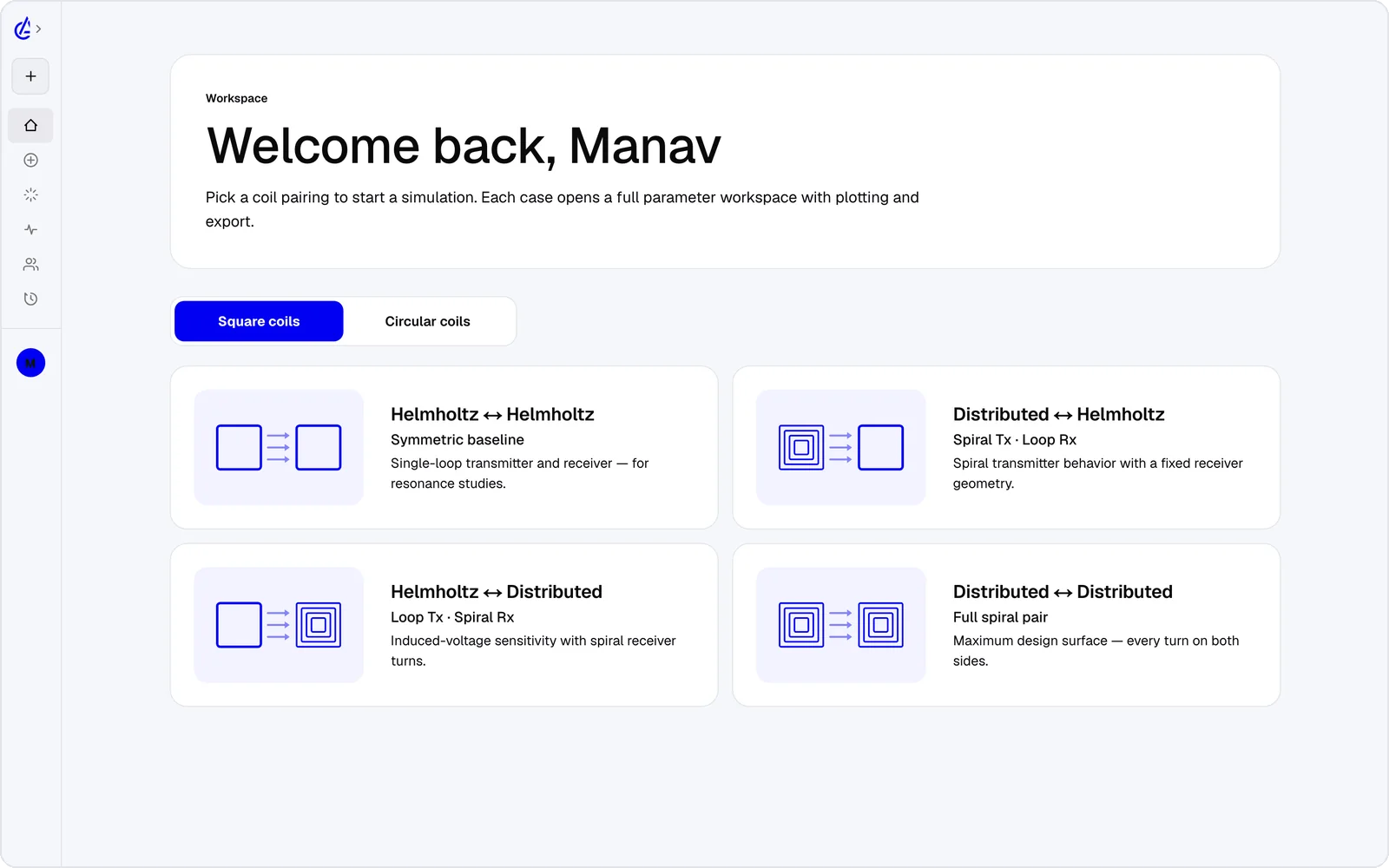
- Eight topology presets — circular and square Helmholtz, DTC planar spirals and cross pairs.
- Self-inductance, mutual inductance M and coupling k on every run.
- Gap, offset and turn-count parameter sweeps plus a genetic optimizer, where the CST Student Edition has no optimizer.
- 3D field plots in any browser, and iOS and Android apps.
- An AI Copilot that drives the app and runs the real solver, and an MCP server for your own agents.
It is free to start: the free plan covers the Helmholtz topology with 3 simulations a month, and AirInduct Pro unlocks every topology, the AI Copilot and unlimited runs (see pricing).
CST Studio Suite vs AirInduct Sim at a glance
How the two compare when the job is an inductive power link rather than an antenna.
| Criterion | AirInduct Sim | CST Studio Suite |
|---|---|---|
| Solver method | Closed-form Biot–Savart field + Neumann mutual inductance, no mesh | Finite integration technique (time domain), frequency-domain FEM, integral-equation (MoM / MLFMM) and dedicated low-frequency solvers |
| 3D | Full 3D B and H fields, interactive 3D plots | Full 3D, with hexahedral and tetrahedral meshing |
| Install | None — runs in the browser, plus iOS and Android apps | Desktop install on a Windows workstation, with optional compute servers |
| Licence / price model | Free plan + Pro subscription | Commercial licence, quote-based; free Student Edition with mesh-cell limits |
| Time to first result | Seconds from a topology preset | Minutes to hours: geometry, materials, ports or sources, mesh, solve |
| WPT outputs (L, M, k) | Self-inductance, mutual inductance M and coupling k on every run | Inductance from the low-frequency solvers, or Z/S-parameters from a port solve; you set up the extraction |
| Radiation and EMC | Not modelled — near-field magnetics only | Far-field patterns, radiated emissions, cable and PCB EMC |
| Magnetic cores, shields, eddy currents | Not modelled — air-core coils only | Yes, via the magnetostatic and low-frequency solvers |
| Sweeps and optimisation | Parameter sweeps + genetic optimizer built in | Parameter sweeps and optimizer (not in the Student Edition) |
| Export | PDF report, KiCad, DXF, SPICE | Native project files, CAD formats including DXF, Touchstone S-parameters |
| AI assistance | AI Copilot that drives the app and runs the real solver; MCP server for agents | Automation through VBA macros and a Python interface |
Competitor details are taken from public vendor pages and documentation, last reviewed October 2026. Product names are trademarks of their respective owners and are used only to identify them. AirInduct is not affiliated with, endorsed by or sponsored by any of these vendors.
When to stay with CST Studio Suite
Stay with CST when the coil is not the whole story. A Qi or NFC coil sharing a phone with cellular antennas, a charging pad that must pass radiated-emissions limits, or a resonant link at 6.78 MHz or 13.56 MHz where self-resonance and stray capacitance matter all need full-wave or low-frequency field solutions that AirInduct Sim does not provide.
The same goes for ferrite backing, shields and eddy-current loss: AirInduct Sim models air-core coils only. And if your RF team already holds CST licences, adding a coil to an existing model is often quicker than starting elsewhere.
Moving a design from AirInduct Sim into CST
Use AirInduct Sim for sizing and CST for the system around the coil:
- Choose a topology in AirInduct Sim and set the gap and footprint.
- Sweep turns, pitch and offset; let the optimizer pick a candidate.
- Export the winding as DXF and save the PDF report with inductance, M and k.
- In CST, import the DXF as a curve, sweep a wire profile along it, and solve in air first; check the inductance against the report before adding ferrite, shields or the enclosure.
Step 4 needs the commercial version: the Student Edition disables CAD import. See how the solver is validated, or start with the coil design guide.
Which should I use?
Use AirInduct Sim to size air-core wireless power coils, and CST Studio Suite when the coil has to coexist with antennas, enclosures, shielding or emissions limits. AirInduct Sim answers the first questions on any inductive link — turns, radius, gap and how much coupling survives misalignment — in seconds, with no mesh, no install and no licence quote. CST Studio Suite answers questions AirInduct Sim cannot: what the coil does to a nearby antenna, whether the product passes radiated emissions, how ferrite and metal shift the inductance, and where self-resonance appears at 13.56 MHz. Its low-frequency solvers are capable, but they are a small corner of a suite built for high-frequency work, and every study costs a full 3D setup. If you only need coil geometry, AirInduct Sim is the quicker route; if you sign off RF products, keep CST and feed it a sized candidate.
Compare with other tools
See all 20 AirInduct Sim alternatives and comparisons →Size the coil before you build the 3D model.
Frequently asked questions
Can CST Studio Suite simulate wireless power coils?
Yes. Its low-frequency frequency-domain and time-domain solvers handle inductive coils, ferrite and eddy currents. But CST is built around high-frequency work, so coil sizing means setting up a full 3D model for answers AirInduct Sim returns in seconds.
What are the limits of the CST Studio Suite Student Edition?
It is free for students and includes time-domain, frequency-domain, low-frequency and static solvers, but caps mesh size and disables CAD import, optimisation, scripting and distributed or GPU computing. Files are not interchangeable with the commercial version.
Can I take an AirInduct Sim coil into CST?
Yes, with the commercial version. Export the winding as DXF, import it in CST as a curve or extruded profile, add the wire cross-section, and use the PDF report’s inductance and coupling to check the air-core model.