
The Elmer FEM alternative for WPT coils.
Elmer is one of the most capable open-source finite element codes there is: 3D, multiphysics and parallel. AirInduct Sim trades that breadth for speed on one job — air-core wireless power coils — with nothing to mesh or script.
Last reviewed: October 2026
What Elmer FEM does well
Elmer is an open-source finite element package developed by CSC – IT Center for Science in Finland with universities and industry. It solves coupled problems in 2D and 3D: heat transfer, structural mechanics, fluid flow, acoustics and electromagnetics, with the physics combined in one model.
For coils, its MagnetoDynamics module uses an A-V formulation on Whitney edge elements, in static, time-harmonic and transient form. CoilSolver sets up current in stranded or massive windings, and CircuitsAndDynamics couples the field to external circuits. That means a genuine 3D model with ferrite, shields, eddy currents and losses, free of charge. ElmerSolver runs in parallel with MPI, so the same input scales from a laptop to a supercomputer.
Where AirInduct Sim is faster for WPT coils
With Elmer the solver is free but the setup is not. A 3D coil study means CAD, meshing the coils and surrounding air in Gmsh or Salome, converting with ElmerGrid and writing a solver input (.sif) file. ElmerGUI helps, but most electromagnetic work is hand-edited text. AirInduct Sim removes those steps:
- No CAD, mesh or air box. Closed-form Biot–Savart and the Neumann integral solve the coil filaments directly.
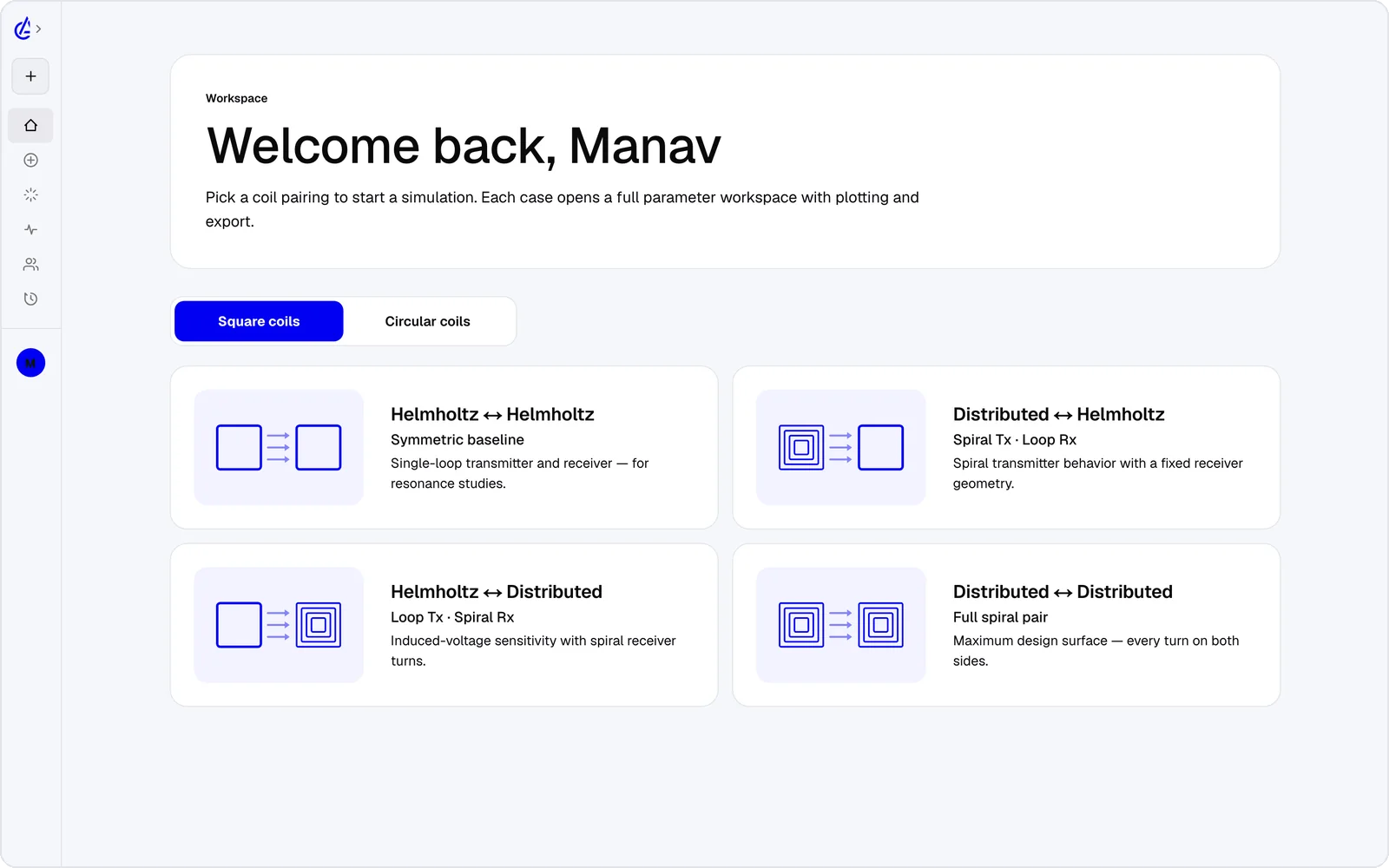
- Eight WPT topology presets — circular and square Helmholtz, descending-turn (DTC) spirals and cross pairs.
- L, M and k on every run, with no post-processing to write.
- Gap and offset sweeps and a genetic optimizer, where Elmer would need a remesh per variant.
- An AI Copilot that drives the app and runs the real solver, and an MCP server for agents.
It is free to start: the free plan covers the Helmholtz topology with 3 simulations a month, and AirInduct Pro unlocks every topology, the AI Copilot and unlimited runs (see pricing).
Elmer FEM vs AirInduct Sim at a glance
An open-source 3D multiphysics FEM code against a dedicated closed-form coil solver.
| Criterion | AirInduct Sim | Elmer FEM |
|---|---|---|
| Solver method | Closed-form Biot–Savart field + Neumann mutual inductance, no mesh | Finite element method; MagnetoDynamics A-V formulation on Whitney edge elements |
| 3D | Full 3D B and H fields, interactive 3D plots | 2D, axisymmetric and full 3D |
| Install | None — runs in the browser, plus iOS and Android apps | Windows installers, Linux packages, or build from source |
| Licence / price model | Free plan + Pro subscription | Open source: GPL v2 or later, with the ElmerSolver library under LGPL |
| Time to first result | Seconds from a topology preset | Hours to days for a first 3D coil model: CAD, external mesh, solver input file |
| WPT outputs (L, M, k) | Self-inductance, mutual inductance M and coupling k on every run | Derived from the field or coupled circuit solution; you build the extraction |
| Meshing | None needed | External: Gmsh, Salome, Netgen or similar, converted with ElmerGrid |
| Multiphysics and parallel | Air-core magnetics only, single run in seconds | Heat, structures, fluids and electromagnetics coupled; MPI on clusters |
| Export | PDF report, KiCad, DXF, SPICE | VTU results for ParaView, plus tabulated scalars |
| AI assistance | AI Copilot that drives the app and runs the real solver; MCP server for agents | None built in |
Competitor details are taken from public vendor pages and documentation, last reviewed October 2026. Product names are trademarks of their respective owners and are used only to identify them. AirInduct is not affiliated with, endorsed by or sponsored by any of these vendors.
When to stay with Elmer FEM
Stay with Elmer when you need 3D physics that AirInduct Sim does not model and you are comfortable scripting. A ferrite-backed EV pad, an aluminium shield, induced heating in a nearby metal part or a coupled electromagnetic and thermal study are exactly what it is for; AirInduct Sim models air-core coils only.
It also wins when openness matters: research that publishes its full model, cluster runs without per-core licences, or a team that modifies the solver.
From AirInduct Sim to an Elmer model
- Settle the topology, turns, gap and offset in AirInduct Sim, using sweeps and the optimizer.
- Export the coil as DXF and the run as a PDF report of every dimension and the air-core L, M and k.
- Bring the DXF into a CAD tool such as FreeCAD, give the windings their thickness and export STEP for Gmsh or Salome.
- Mesh coils and air, convert with ElmerGrid, and solve with CoilSolver and the MagnetoDynamics solver. Match the air-core inductances to the report before adding ferrite or shields.
See how the solver is validated and the full list of export formats.
Which should I use?
Use AirInduct Sim to find a good air-core wireless power coil quickly, and Elmer FEM when you need an open-source 3D model with ferrite, shielding, eddy currents or coupled heat. Elmer is a serious multiphysics code: edge-element magnetodynamics, circuit coupling and MPI parallelism, under an open licence, with no fees. The price is effort. Every design variant needs CAD, an external mesh and a solver input file, and inductance extraction is yours to build, so a study of dozens of offsets or turn counts can take days. AirInduct Sim answers those questions in seconds from a preset, in a browser, with L, M and k on every run and an optimizer built in. It does not model materials or other physics, so it cannot replace Elmer for final verification. The efficient path is to narrow the design in AirInduct Sim, then build one careful Elmer model of the winner.
Compare with other tools
See all 20 AirInduct Sim alternatives and comparisons →Skip the mesh. Start with M and k.
Frequently asked questions
Can Elmer simulate wireless power coils in 3D?
Yes. Its MagnetoDynamics solvers on Whitney edge elements, with CoilSolver and circuit coupling, handle 3D coils, ferrite and eddy currents. Expect to build CAD, mesh it externally and write a solver input file yourself.
Is Elmer easier to use than FEMM?
No. FEMM draws, meshes and solves 2D problems in one window. Elmer does far more, including 3D and parallel runs, but ElmerGUI covers only part of the solver, and most electromagnetic work means editing .sif files.
What licence does Elmer use?
Elmer is open source, developed by CSC – IT Center for Science in Finland. Most of it is GPL version 2 or later; the ElmerSolver library is LGPL, so it can be linked from other software.
Why use AirInduct Sim if Elmer is free and open source?
Time. AirInduct Sim returns L, M and k for a misaligned coil pair in seconds with no mesh. It is free to start; the free plan covers the Helmholtz topology with 3 simulations a month.